Super NES1992Art toolNintendo R&D1 · Intelligent SystemsBundled with the Super NES Mouse2.3 million sold (CESA)Debut of Gnat Attack and UndodogNintendo Classics, July 2025
Mario Paint
A whole art cupboard in one grey cartridge. Mario Paint reached Japanese shops on 14 July 1992, North America that August and Europe on 10 December 1992, and it came in the box with the Super NES Mouse and a plastic mouse pad. There are no levels to beat and no princess to rescue. Instead you get a drawing board with 15 colours, 75 patterns and 120 stamps, a stamp editor for building your own sprites, a music composer whose notes are Mario, Yoshi, a cat, a pig and a Game Boy, Animation Land for little looping cartoons, and Gnat Attack, a fly-swatting game hiding behind a steaming mug. Directed by Hirofumi Matsuoka at Nintendo R&D1 with Intelligent Systems, it sold 2.3 million copies by CESA’s count, taught a generation to draw and compose with a mouse, and pointed the way to Mario Artist, WarioWare D.I.Y. and Super Mario Maker. Since July 2025 it has been playable again on Nintendo Switch and Switch 2.
Developer:Nintendo R&D1, with Intelligent Systems
Publisher:Nintendo (Playtronic in Brazil)
Platform:Super Famicom / Super NES
Genre:Art tool: drawing, animation and music, plus a minigame
Japan:14 July 1992
N. America:August 1992 (1 August per TCRF; Wikipedia, citing a trade report, gives 17 August)
Europe:10 December 1992
Brazil:30 August 1993
Players:1
Controls:Super NES Mouse (bundled, with a mouse pad)
Mouse:Designed by Nintendo’s Mouse Maker Staff, directed by Satoru Okada
General producers:Shigeru Miyamoto, Takashi Tezuka (as credited)
Saving:One picture, one animation and one song, on battery-backed memory
Sales:Over 2.3 million worldwide (CESA, via Wikipedia)
Re-releases:Player’s Choice (1996); Satellaview editions (Japan); Super NES – Nintendo Classics (28–29 July 2025)
Advertisement
Overview
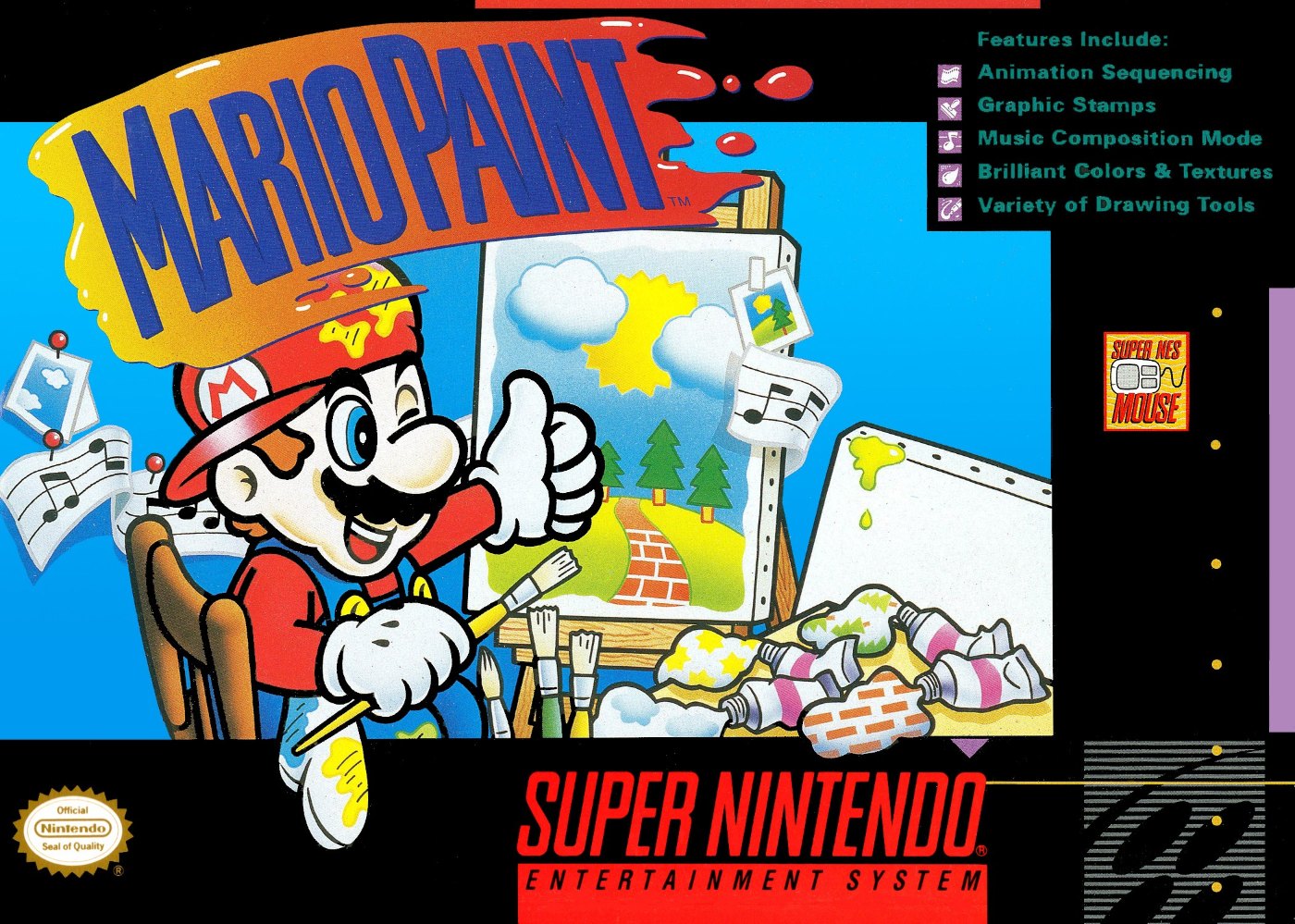
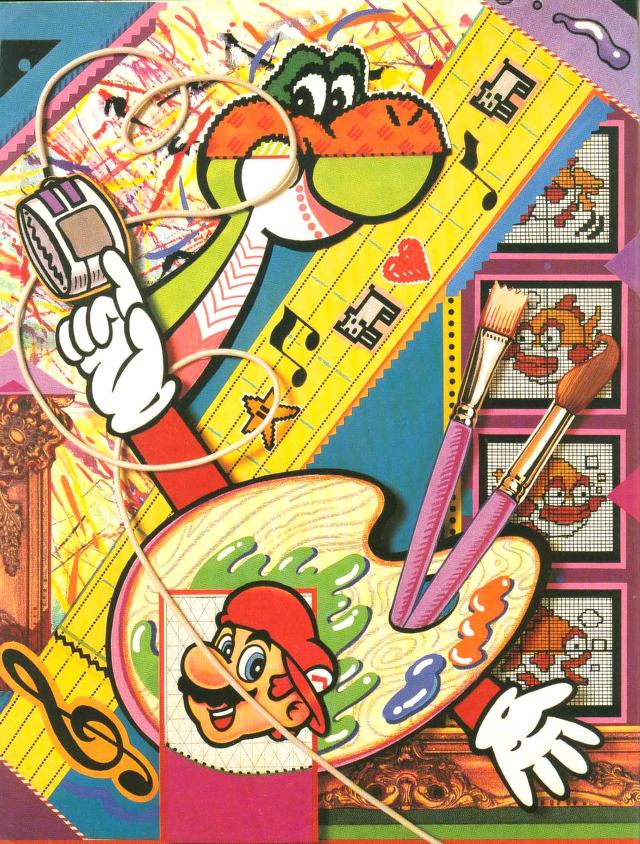
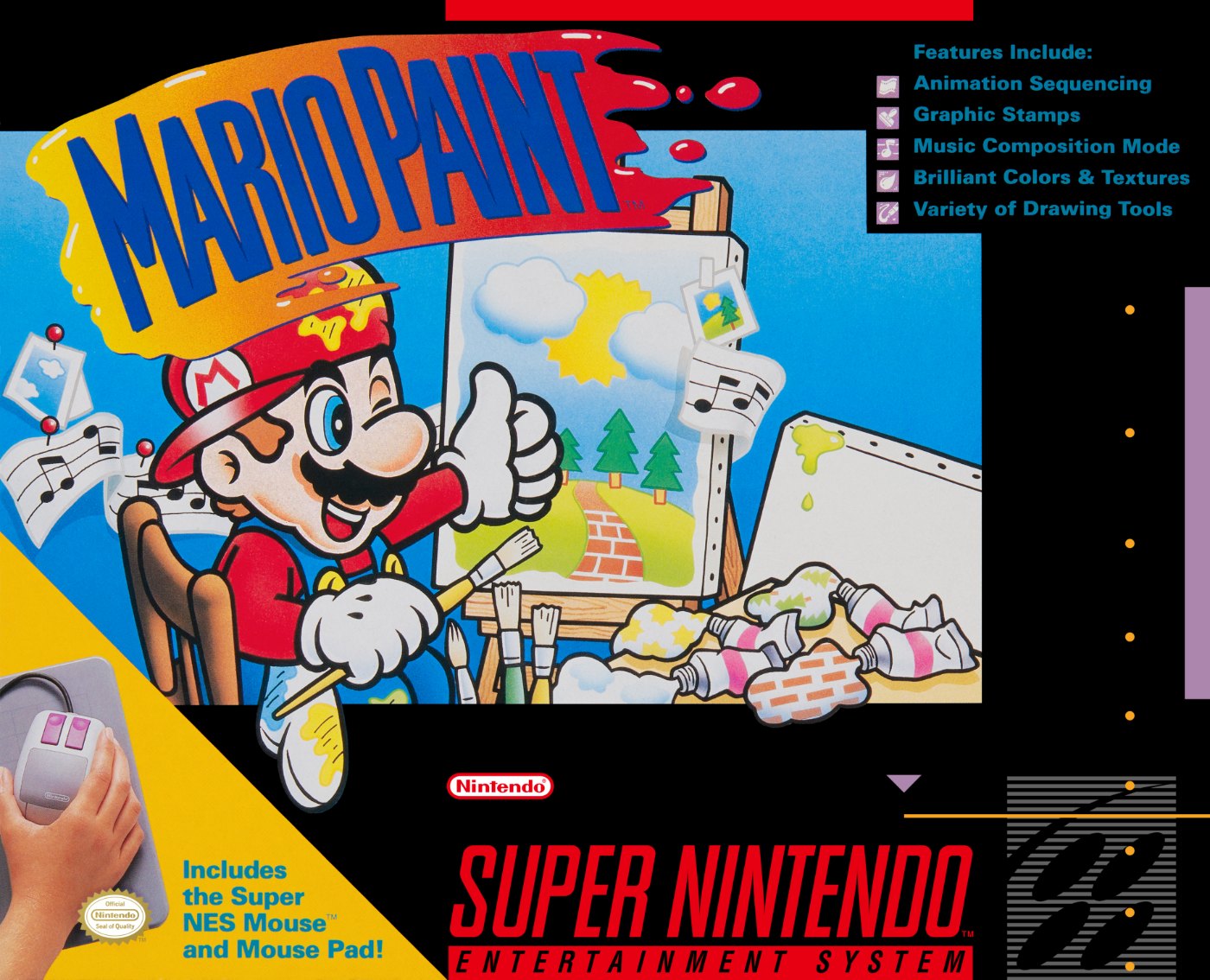
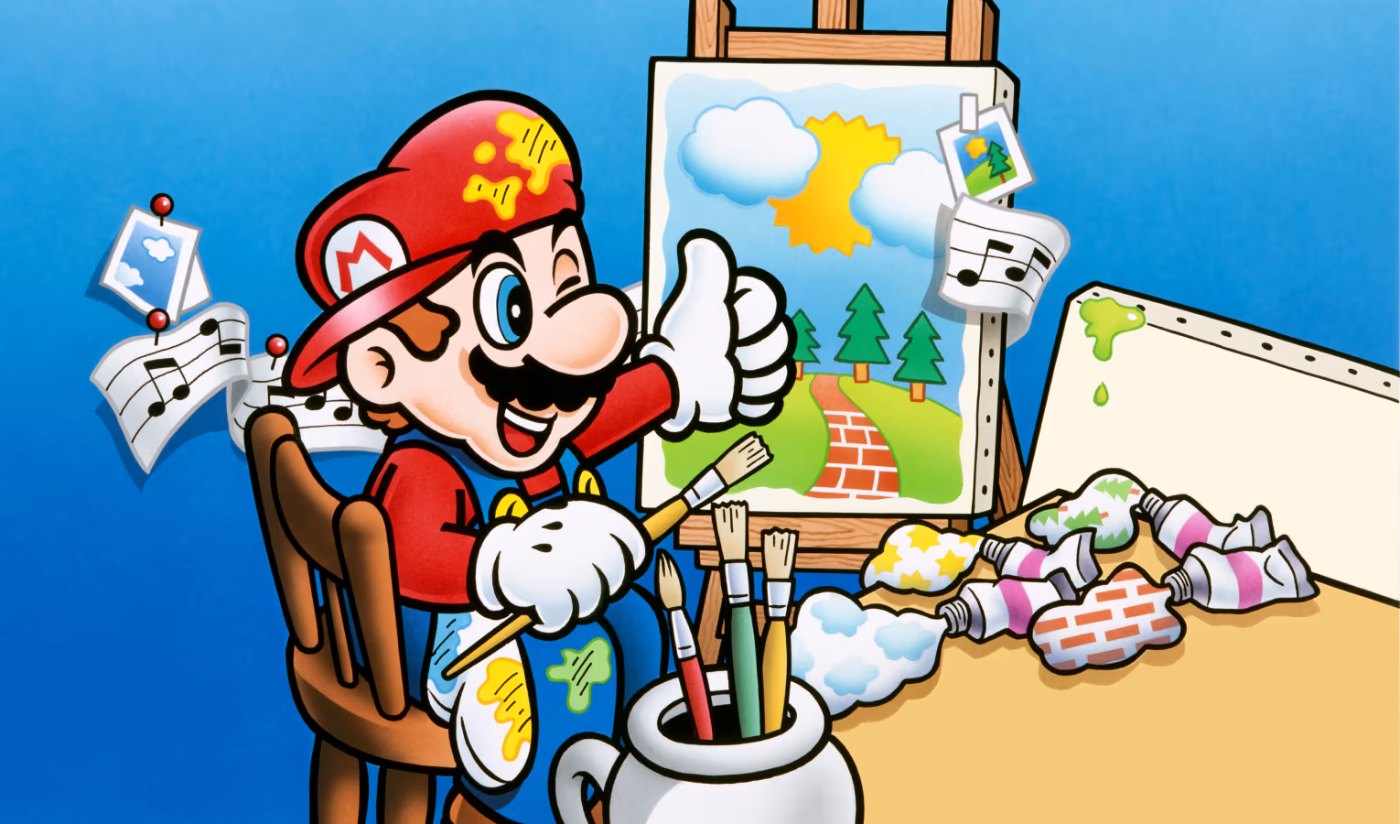
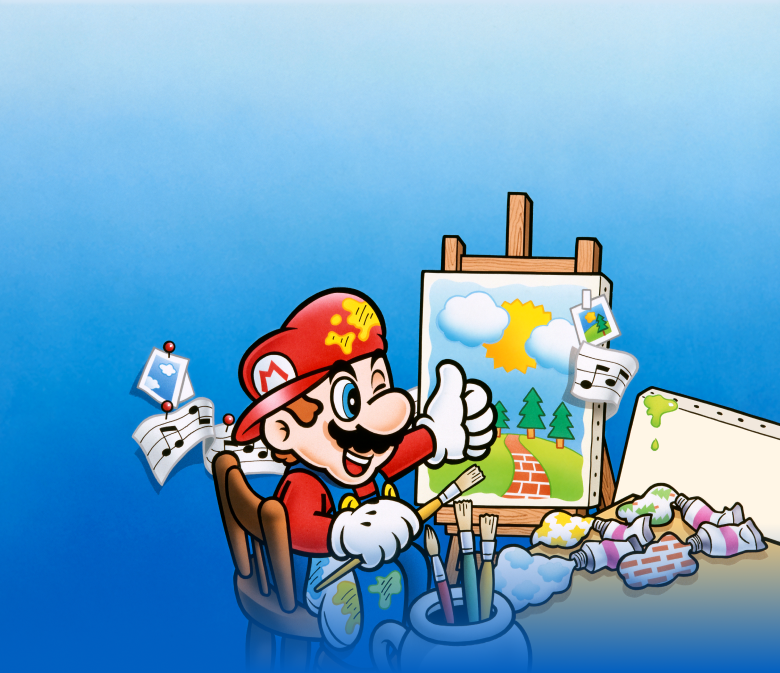
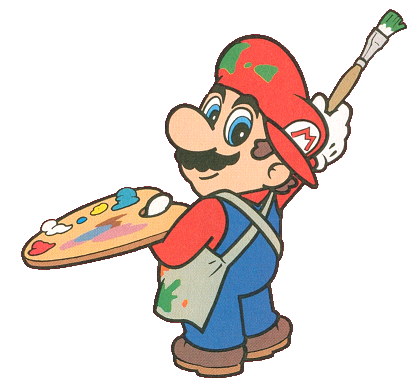
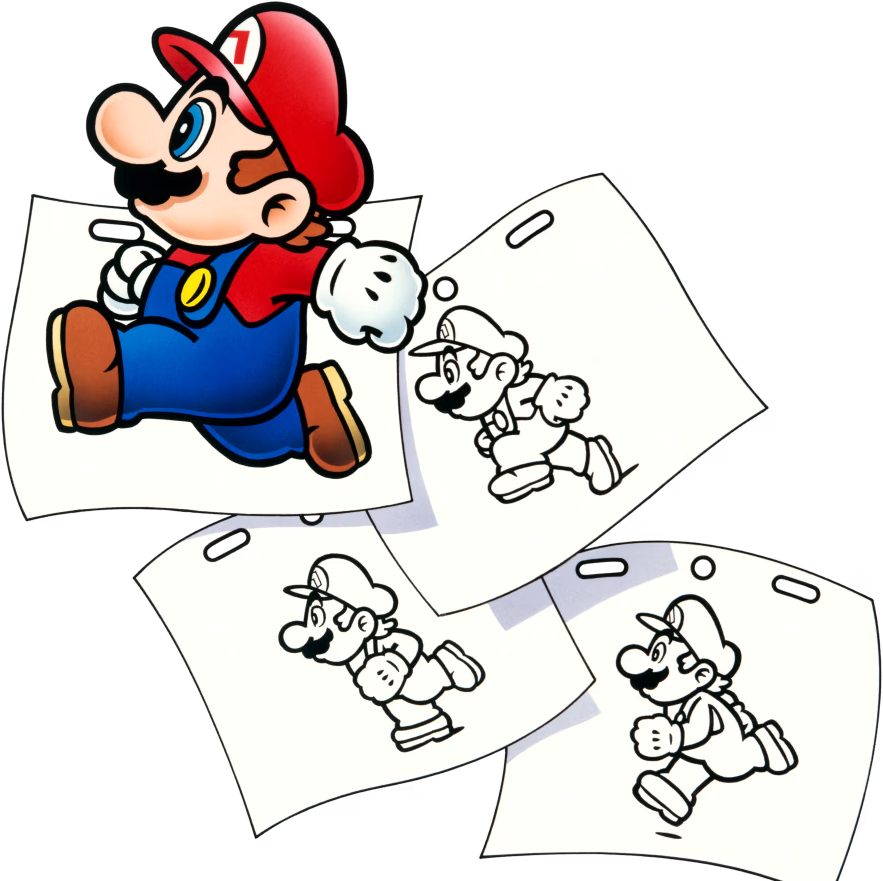
Mario the artist, from the cover artwork.
In the summer of 1992 Nintendo sold Super NES owners something they had never been asked to buy before: a mouse. The Super NES Mouse was designed for Mario Paint and the two were sold together, with a plastic mouse pad thrown in. The mouse looked like a small two-button computer mouse with a rolling ball and a rather short lead, and although more than 130 games eventually supported it, most of them stayed in Japan. Mario Paint was the reason it existed.
What you get is closer to a children’s art set than a game. Click Mario on the title screen and you land on a drawing board with pencils, a spray can, a paint brush, a straight-line tool, letters, fills and a toolbox of stamps. From there, icons lead to a pixel-by-pixel stamp editor, a music composer laid out on a treble stave, and Animation Land, where you draw frame by frame and set the result to your own tune. One picture, one animation and one song can be kept on the cartridge. And for when the artist needs a break, a mug of something hot leads to Gnat Attack, a swat-the-flies game with a boss.
It was built at Nintendo R&D1 with Intelligent Systems, with Hirofumi Matsuoka as director and graphic designer and three sound designers, Hirokazu Tanaka, Ryoji Yoshitomi and Kazumi Totaka. It sold: a UPI report of May 1993 put the Mario Paint and mouse package past a million units by that March, and the CESA figure quoted by Wikipedia is more than 2.3 million worldwide.
Its real legacy is all the people who started making things with it. Homestar Runner’s first cartoon was animated in it, the music composer became an internet craze, and Nintendo’s own designers kept returning to it, from the 64DD’s Mario Artist to WarioWare D.I.Y. and Super Mario Maker. In July 2025 it joined the Super NES library of Nintendo Switch Online, played with a USB mouse on Switch or with a Joy-Con 2 used as a mouse on Switch 2.
In this classic title originally released for the Super Nintendo Entertainment System™ in 1992, you can use simple mouse controls to draw pictures with all sorts of colors and drawing tools. You can even create animated sequences and write music to add to your collage. Bring your very own video creations to life by combining animation and music with the art you’ve made!
— Official description (Nintendo of America, 2025)
Why Mario Paint matters to Mario fans
This is the first time Nintendo handed Mario’s world over to the player as raw material. Some of the stamps are Super Mario World sprites, the notes are Mario and Yoshi, the cursor is a white glove. The line that starts here runs through the 64DD’s Mario Artist: Paint Studio and WarioWare to Super Mario Maker, which brought back Gnat Attack, Undodog and the interactive title screen. It is also where Undodog, the bakers Udetate and Banzāi and King Watinga were born.
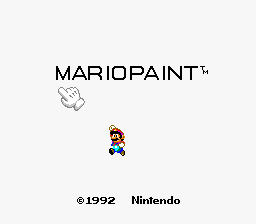
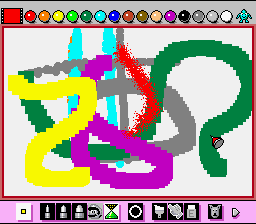
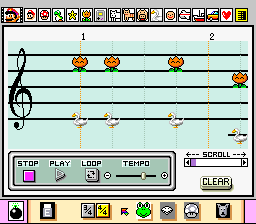
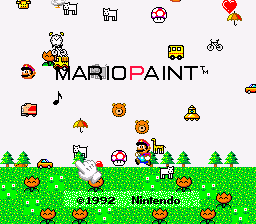
The title screen: nearly every letter does something when clicked.The drawing board, with tool icons above and below the canvas.Music mode: each note is a picture, and each picture is a sound.
“I wasn’t the type to draw pictures, but for some reason I drew a lot with Mario Paint.”
Masahito Hatakeyama, Iwata Asks: WarioWare D.I.Y., part 2 (Nintendo)
Hatakeyama, a designer on WarioWare D.I.Y., told Satoru Iwata that his family praised his Mario Paint pictures so much that nobody minded him playing it late into the night. His team later based D.I.Y.’s drawing tools on it.
Quick Answers
Short answers to the things people most often ask about Mario Paint. The details are further down the page.
When did Mario Paint come out?
Japan: 14 July 1992. North America: August 1992 (sources give 1 or 17 August). Europe: 10 December 1992. Brazil: 30 August 1993. A Player’s Choice reissue followed in North America in 1996. More →
Do you need a mouse to play Mario Paint?
On the original cartridge, yes: it is built around the Super NES Mouse, which came in the box. The later Satellaview versions in Japan added joypad support. On Nintendo Switch you need a USB mouse; on Switch 2 you can use a USB mouse or a Joy-Con 2 as a mouse. More →
Can I play Mario Paint on Nintendo Switch?
Yes. It joined Super Nintendo Entertainment System – Nintendo Classics for Nintendo Switch Online members on 28 July 2025 in the Americas and 29 July 2025 elsewhere. More →
How do you play Gnat Attack?
Click the steaming mug icon in the menu bar under the canvas. Swat 100 insects to bring out the boss, King Watinga, who takes 20 hits. Three levels make a round, and then it starts again, faster. More →
How many instruments are in the music composer?
Fifteen picture icons, from Mario (a kalimba-like tone) to the pig (an oink). The ship plays two sounds, temple blocks on low notes and a cymbal on high ones. Up to three notes can sound on each beat. More →
What are the title-screen secrets?
Click the letters of MARIO PAINT: the M shrinks Mario, the O explodes and plays Kazumi Totaka’s hidden tune, the P swaps in a field full of noisy creatures, the N rolls the credits and the T gives you a rainbow crayon. More →
Who made Mario Paint?
Nintendo R&D1 with Intelligent Systems. Hirofumi Matsuoka directed it and drew its graphics; the sound is by Hirokazu Tanaka, Ryoji Yoshitomi and Kazumi Totaka; the mouse was designed by a team under Satoru Okada. More →
How many copies did Mario Paint sell?
More than 2.3 million worldwide, according to the CESA figure cited by Wikipedia. A 1993 UPI report said the Mario Paint and mouse package had passed a million units by March 1993. More →
Can you save more than one picture?
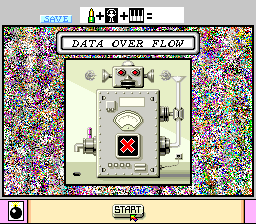
No. The cartridge keeps one picture, one animation and one song in 32KB of battery-backed memory, and a very busy canvas can be too much for it: the Save Robot then shows a DATA OVER FLOW error. More →
Tools & Modes
Alternative cover artwork: Mario with brush and palette.
Mario Paint has no plot, so this section walks through the cartridge the way you meet it: the title screen first, then the drawing board that acts as the hub, and the modes reached from its toolbars. Nothing is locked. Every tool is there from the moment you click Mario.
The drawing board is home. Its top bar holds the drawing tools and Mr. Crayon’s pages of colours and stamps; the bottom bar holds Undodog, the eraser, the save screen and the doors to the stamp editor, the composer, Animation Land and Gnat Attack.
A title screen you can play with
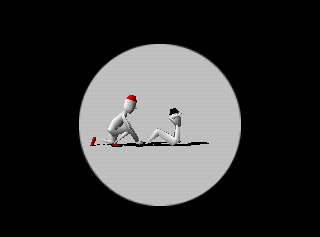
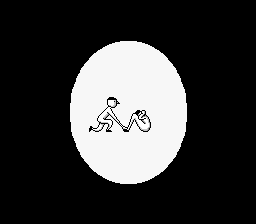
Before you draw a line, the game has a show to put on. Start it up and two identical bakers, later named Udetate and Banzāi, do their morning exercises: one does sit-ups while the other holds his feet, and the routine ends with a handstand.
Then comes the logo, and almost every part of it is a toy. Click the M and Mario shrinks as if he had been hit; the first A drops off the screen, taking Mario with it if he is underneath; the R grows an eye and gurgles like a baby; the O fizzes and explodes. The P swaps the whole title for a green field of trees, cars, animals and UFOs, each with its own noise, and a falling star there showers the screen with objects to harp music. Mario himself is the start button.
Udetate and Banzāi at their exercises when the game starts.Objects rain down after the falling star is clicked.The title screen.
The drawing board
Art mode is a single screen-sized canvas. There are pencils in three thicknesses, a spray can, a paint brush, a straight-line tool, a text tool for letters and numbers, and a fill that floods the whole canvas with a colour, a pattern or a stamp. The palette is 15 solid colours and 75 patterns, laid out by Mr. Crayon over six pages.
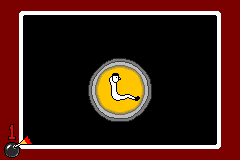
The eraser is the show-off. Besides an ordinary rubber, it offers several animated ways to wipe the canvas, among them a rocket ship that clears the screen; years later the Wii Photo Channel recreated that rocket for its own Undo All button.
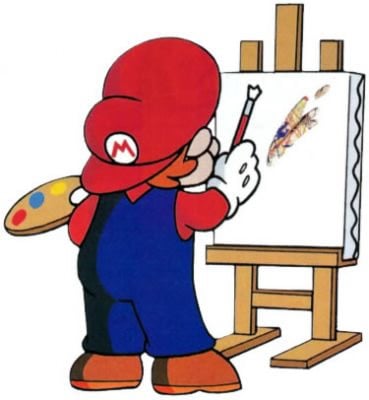
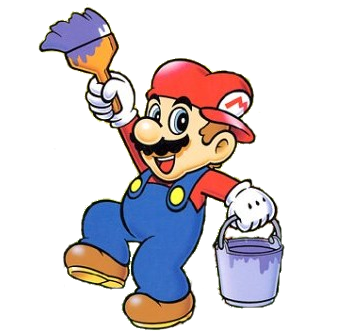
A promotional shot of Art mode.Mario with brush and palette.Mario with paintbrush and paint pot.
Stamps and the stamp editor
The manual counts 120 ready-made stamps, spread over eight of Mr. Crayon’s pages: simple houses and trees and the like, plus sprites lifted from Super Mario World. One of them is the Baby Face that gives the title screen its gurgle, and it has followed Nintendo around ever since.
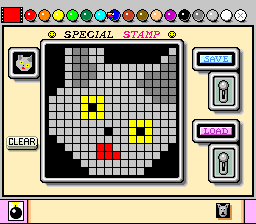
Stamp mode is a pixel grid where you draw your own sprites a dot at a time, then use them like any other stamp. Fifteen can be kept at once, on a page of their own. Artists soon found that a stamp made of a single pixel works as a pen far finer than the thinnest pencil.
Stamp mode, the pixel-by-pixel sprite editor.The Baby Face stamp.Mr. Crayon turns yellow on the stamp pages.
Music mode
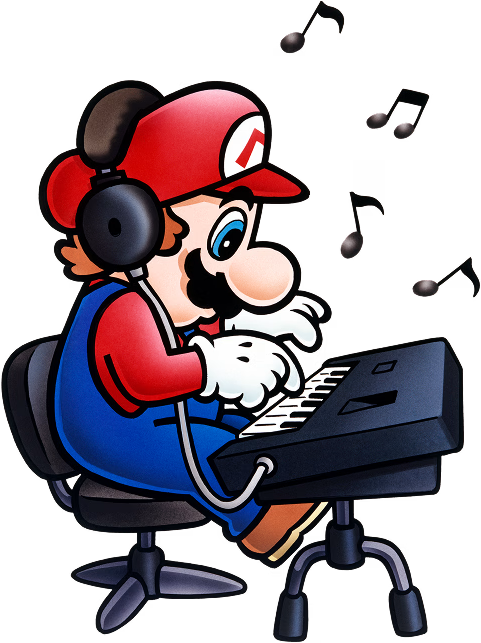
The composer is a treble stave on which you place pictures instead of notes. Each of the 15 icons is a different sound, and up to three can share a beat, so simple chords are possible. Songs can be in 3/4 or 4/4 and run to 24 bars of four beats (or 32 of three); an end bar stops them early, a loop setting repeats them, and the tempo runs from roughly 40 to roughly 480 beats a minute. When you press play, Mario hops along the stave from note to note.
Three demonstration songs are built in. Between them they arrange the overworld themes of Super Mario Bros. and Super Mario World, Twinkle, Twinkle, Little Star and the tune from the Japanese television advert. Undodog is on hand here too, for the wrong notes.
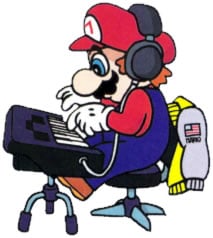
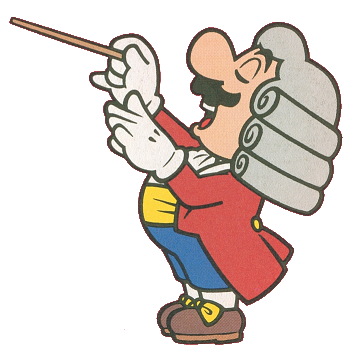
Music mode.Mario at the keyboard, from the Music mode artwork.Composer Mario in a powdered wig.
Animation Land
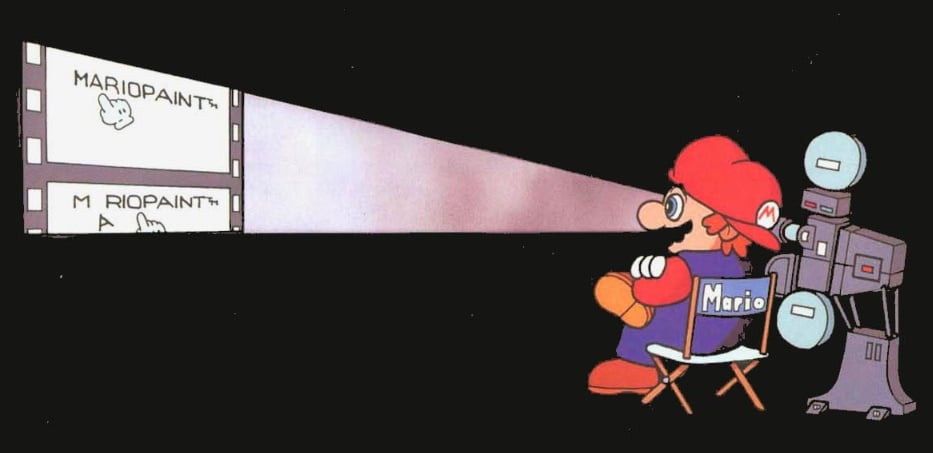
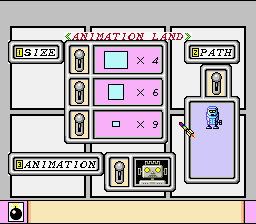
Animation Land turns the drawing board into a flip-book. You draw a short run of frames and the result loops over whatever background is on the main canvas. Add a song from Music mode and you have a cartoon with a soundtrack.
There is a cap on the number of frames, but it was enough for some memorable work: the very first Homestar Runner cartoon was made this way.
Animation Land.A frame from a promotional animation made with the game.Mario in the Animation mode artwork.
Coffee break: Gnat Attack
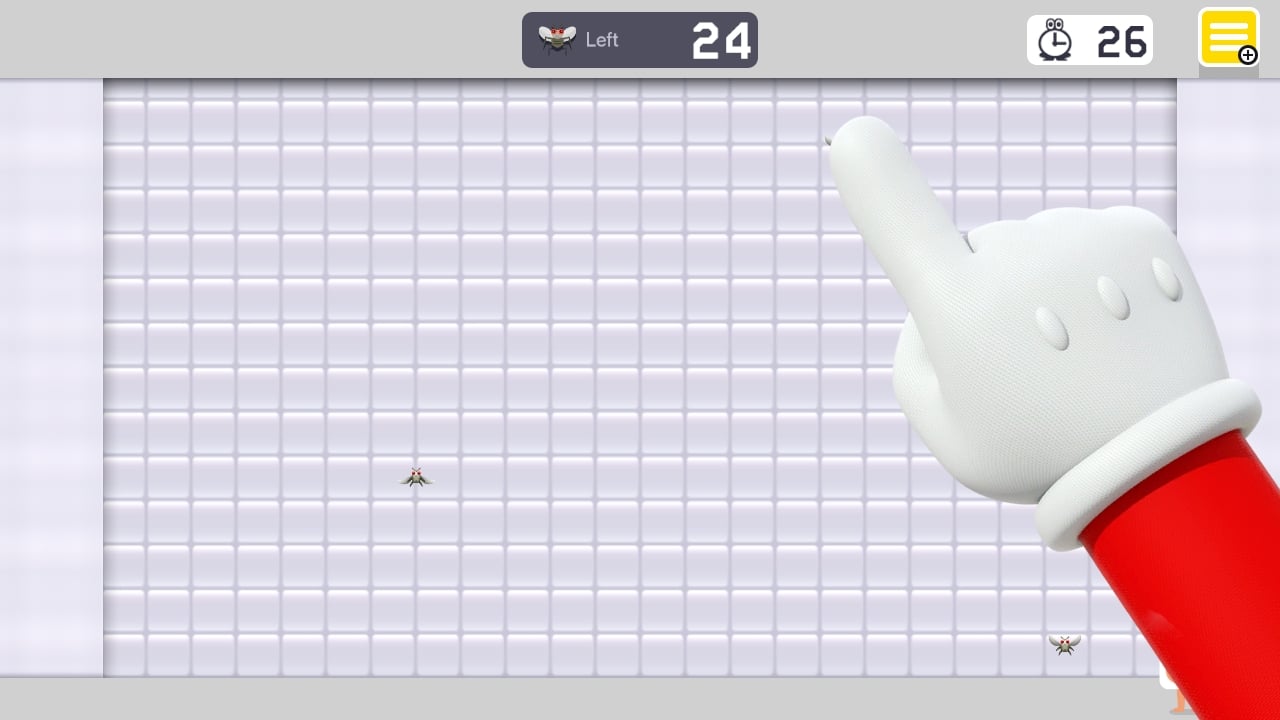
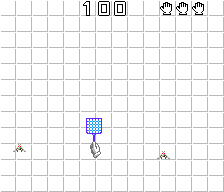
The game never names it on screen, but the steaming mug in the menu bar under the canvas opens the minigame everybody calls Gnat Attack. You control the gloved hand, now holding a flyswatter, while insects buzz across the screen; some fire back, and the hand can be stung.
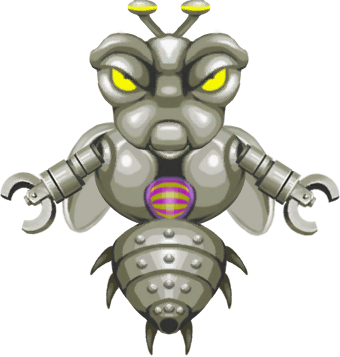
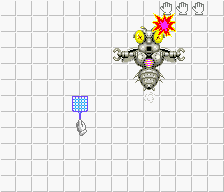
Each level asks for 100 insects. Clear them and the boss, King Watinga, arrives, firing at the hand until he has been swatted 20 times. Between levels a parade of Mario, a Koopa Troopa, a Goomba, a Spiny and a Bob-omb walks across the screen. Beat the third level and you go back to the first with a trophy icon in the corner and faster, nastier enemies; there are 15 trophies to earn, nothing saves, and there is no ending. It is endless, and that is the point.
Gnat Attack.King Watinga, the boss of every level.All 15 Gnat Attack trophy icons.
Save, Load and the Coloring Book
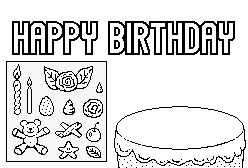
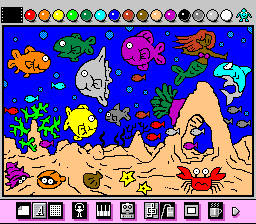
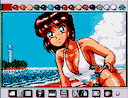
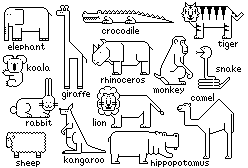
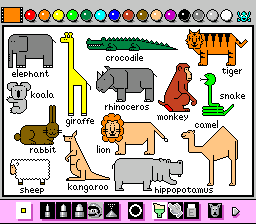
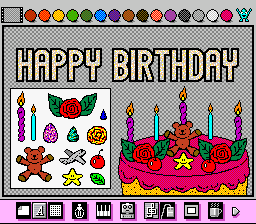
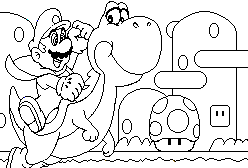
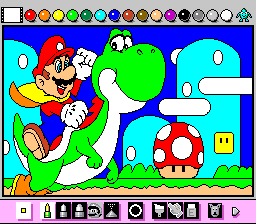
The last stop on the toolbar is the save screen, where the robot does its noisy work. The Coloring Book offers four black-and-white line drawings: Mario and Yoshi, a gathering of animals, a birthday card and an underwater scene.
Hackers who looked inside the cartridge found a fifth Coloring Book page that was never finished, with only a small bear icon left of it. The Cutting Room Floor suspects the team ran out of space.
The animals page, blank.The animals page coloured in.The birthday card page, coloured in.
Every mode and screen in Mario Paint
Everything on the cartridge, in the order you are likely to find it. All of it is open from the start.
Title screenInteractiveTen clickable letters, a running Yoshi, a field of noisy creatures and the staff roll.
Art modeDrawing board · the hubPencils, spray, brush, lines, letters, fills, stamps and theatrical erasers.
Stamp modeSprite editor · 15 custom stampsDraw your own stamps a pixel at a time.
Music modeComposer · 15 sounds, 3 per beatWrite tunes with cats, pigs and Game Boys while Mario hops along the stave.
Animation LandFrame-by-frame animationLooping cartoons over your picture, with your own song.
Gnat AttackMinigame · 3 levels · boss King WatingaSwat 100 insects a level, then the king, then do it all again faster.
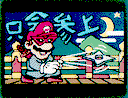
Save / LoadOne picture, animation and songThe robot stores your work; an empty file gets a NO SAVE DATA message.
Coloring BookFour line drawingsMario and Yoshi, animals, a birthday card and sea life to colour in.
Background music menuThree tunes or silencePick a tune for the drawing board, or let Undodog wear his mask.
Advertisement
Gameplay & Controls
Everything in Mario Paint is done by pointing and clicking. A white gloved hand is your cursor; the left button draws, picks and presses, and the toolbars above and below the canvas take you everywhere else. The instruction manual even explains the title screen and Gnat Attack as ways to get comfortable with the mouse before you start drawing.
The Super NES Mouse
The mouse was made for this cartridge and sold with it, together with a plastic mouse pad. It copies the shape of a two-button computer mouse but is smaller than most desktop mice of the time, has a much shorter lead than the joypad, and tracks with a rolling ball. Its plug is Nintendo’s own, so it will not work with a PC.
A setting changes the pointer speed to Slow, Medium or Fast. Wikipedia’s list counts 132 Super Famicom and Super NES games with mouse support, only 40 of them released outside Japan; some later cartridges, among them Yoshi’s Island and Kirby Super Star, even display a warning if one is plugged in.
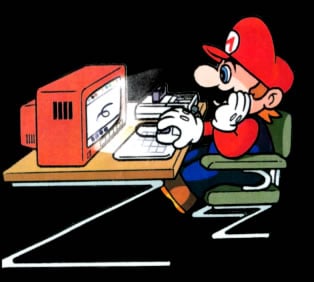
Artist Mario, from the game’s promotional artwork.The gloved hand that serves as your cursor, here with its flyswatter.
Toolbars, Undodog and Mr. Crayon
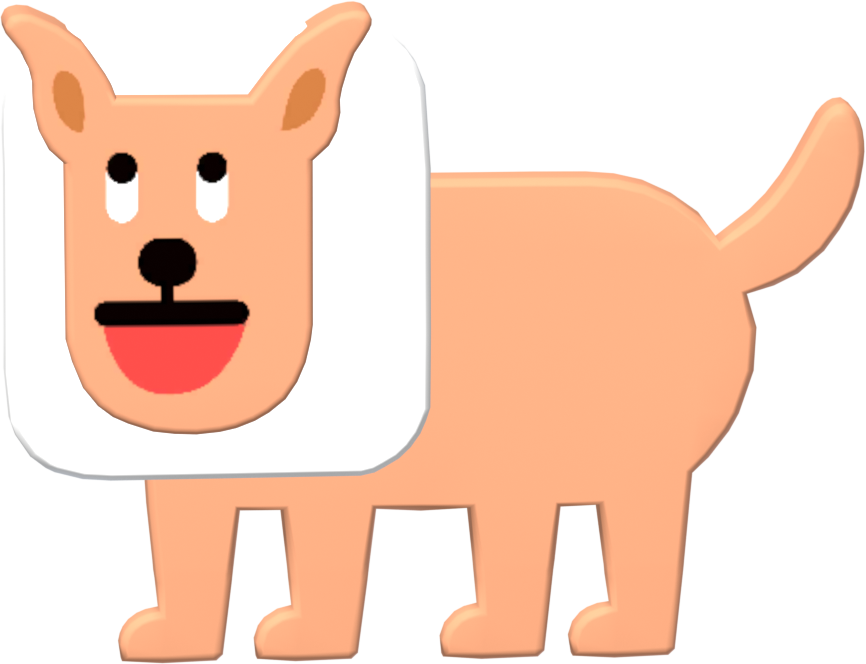
Two helpers live in the toolbars. Undodog, a small white dog, sits in the bottom toolbox of Art mode and Music mode: click him and your last action is undone. Leave the stamp editor or colour picker alone for a while and he gets up and dances until you move the mouse again. Mr. Crayon, a crayon tip with arms, legs and a face, stands at the top right of Art mode; clicking him flips through the pages of colours and stamps. He is blue on the colour pages and yellow on the stamp pages, and he dances too if you leave him idle.
The background music menu offers three tunes or silence. Silence is shown by Undodog wearing a surgical mask, and if you leave the music off he occasionally sneezes. A Frame option hides both toolbars behind a black border so you can admire the finished picture.
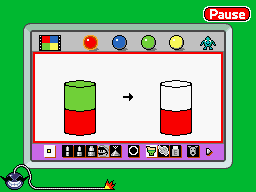
The background music menu, with Udetate and Banzāi and a masked Undodog.Undodog and his toolbar icon.Mr. Crayon on the colour pages.
Saving your work
The Save/Load/Coloring Book screen stores one canvas, together with your animation and your song, in the cartridge’s battery-backed memory. A little robot crunches the data to techno music while it works. Load brings the saved work back, and the Coloring Book offers four ready-made line drawings to fill in.
That single save slot is the game’s best-known limit. Nintendo Magazine System in Australia grumbled about the long save times and about only being able to keep one picture at once.
The Coloring Book page of Mario and Yoshi, blank.The same page coloured in.
What it cannot do
For a 1992 cartridge it is generous, but the edges show. The composer writes only quarter notes in C major (or A minor), from the B below middle C to the G above the treble stave, so there are no sharps or flats and nothing shorter than a quarter note. The drawing board has 15 colours plus 75 patterns rather than a free choice from the Super NES’s full range, which Total! magazine thought inexcusable in 1992; Nintendo Magazine System found fine detail close to impossible.
None of that stopped people. The limits are part of the reason Mario Paint songs and cartoons are so recognisable, and fans later built computer programs that copied the composer while removing them.
A promotional screenshot of Music mode.
The composer’s 15 sounds
Each instrument in Music mode is a picture you stamp on the stave. They are listed with what each one plays; the pitch shifts noted are relative to where the note is written.
MarioA kalimba-like tone, an octave above the written note.
Super MushroomA drum.
Little YoshiYoshi’s call from Super Mario World.
Super StarA glockenspiel, two octaves up.
Fire FlowerA trumpet.
Game BoyA square-wave beep.
DogA bark, an octave down.
CatA meow.
PigAn oink. Super Mario Maker 2 borrowed it for a sound effect.
GooseAn orchestra hit.
BabyThe baby’s cry from the title screen.
AirplaneAn acoustic guitar, an octave down.
ShipTemple blocks from B3 to G4 and a cymbal from A4 to G5.
CarAn organ, an octave up.
HeartA bass guitar, two octaves down.
Cartoons, Comics & Other Media
Mario Paint spread well beyond its cartridge: into Nintendo Power, onto Japanese satellite radio, across the early internet and into dozens of later Nintendo games.
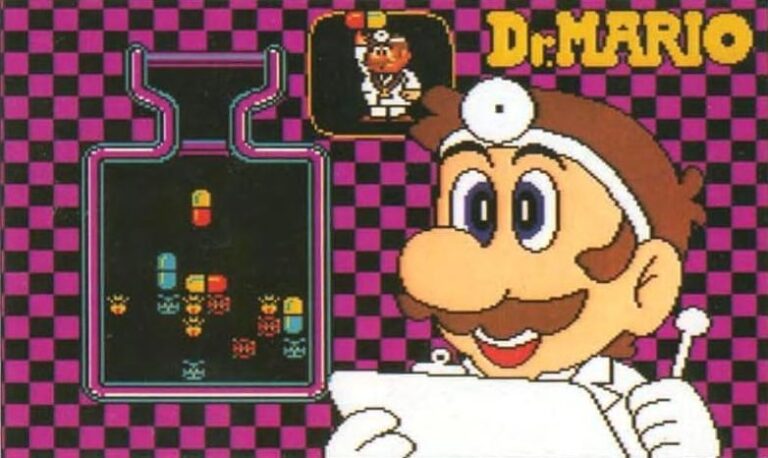
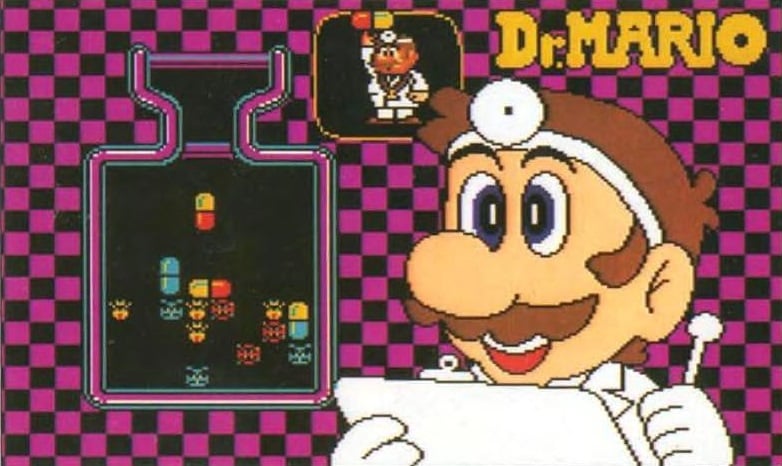
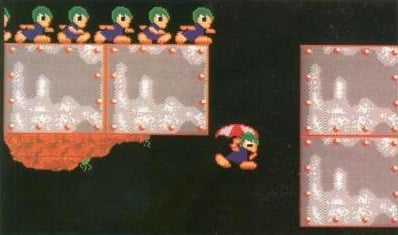
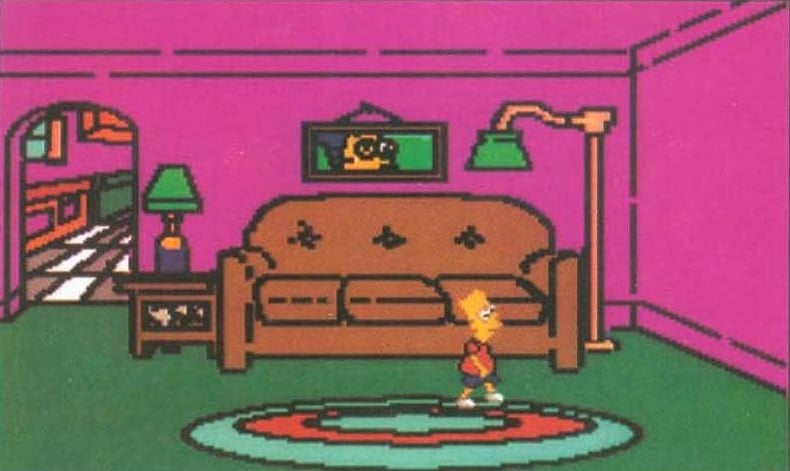
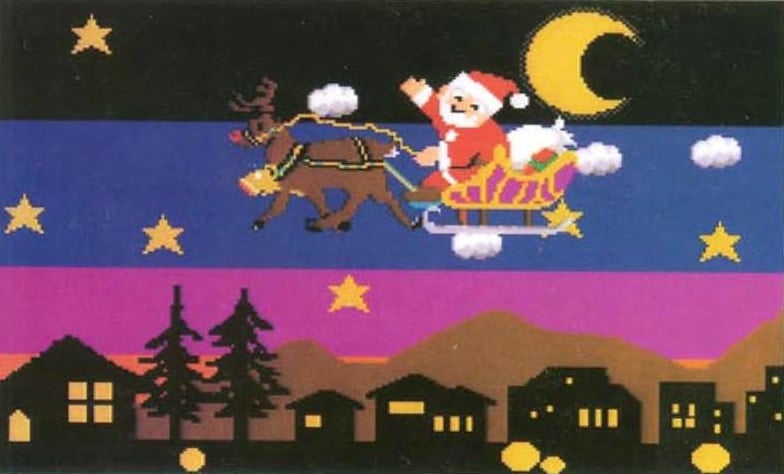
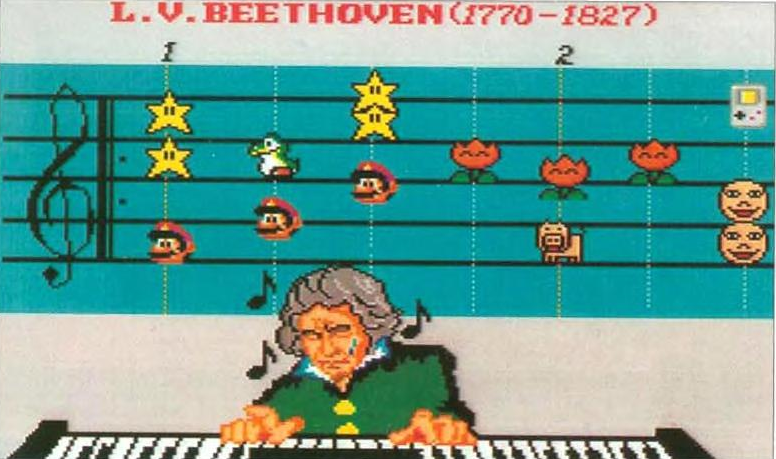
Mario Paint Player’s GuideNintendo, 1993Nintendo’s own guide walked readers through every tool and filled its pages with examples to copy, among them pieces based on Dr. Mario, Lemmings, Bartman on the Move, Maggie Simpson, Beethoven and Santa’s Back.
The Nintendo Power Mario Paint ContestNintendo Power Vol. 41 (October 1992) and Vol. 47 (April 1993)Readers recorded their creations on video tape and posted them in before 1 December 1992. Sixteen winners were shown in Volume 47; the grand prize of five Game Paks went to Stephen D. Miller of Tucson, Arizona, and fifteen runners-up got one each.
Famicom Tsūshin advertJapan, 1992The back cover of Famicom Tsūshin volume 195 carried a full-page Japanese advert for the game.
Satellaview editionsJapanTwo versions went out over the Satellaview satellite service: Mario Paint BS Ban, which added joypad support, and the Yūshō Naizō Ban, which also hides the winning entry of a Mario Paint contest, Dreaming of the Moon by Mizota Hiroko.
Homestar RunnerWeb cartoon, 1996 onwardsThe first Homestar Runner episode was animated in Mario Paint, and the site keeps it in its museum. Strong Bad is a Bad Guy was made in it too, and the 20th-anniversary cartoon Homestar Runner Goes for the Gold has a Mario Paint Easter egg.
The Mario Paint Composer sceneFan software and YouTube, 2000s onwardsFan programs such as Mario Paint Composer, Advanced Mario Sequencer and Super Mario Paint copied the composer onto PCs with longer songs and more notes per beat. Covers made with them became a YouTube genre; a version of Get Lucky by jeonghoon95 was reported by Billboard and Wired in 2013.
EarthBoundSuper NES, 1994Hirokazu Tanaka went on from Mario Paint’s sound team to EarthBound, and some Mario Paint sound effects and instrument sounds turn up in it.
WarioWare: Touched! and WarioWare D.I.Y.Nintendo DS, 2004 and 2009Both have a microgame set on the Mario Paint drawing board, complete with Mr. Crayon and Undodog. Touched! adds the Wario Paint souvenir and a turntable that plays the Art mode music.
Super Smash Bros.Wii U (2014), Ultimate (2018)Super Smash Bros. for Wii U plays an arranged Mario Paint medley on its Miiverse stage, sneezing Undodog included. Ultimate turns Gnat Attack into the Flies & Hand Assist Trophy.
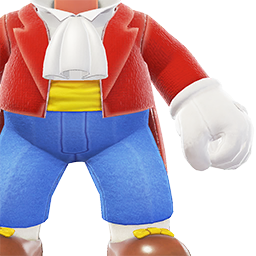
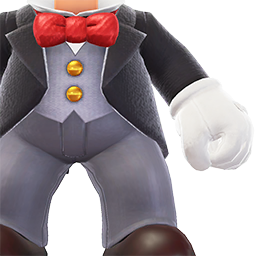
Super Mario OdysseyNintendo Switch, 2017The Black Tuxedo, Painter Outfit and Conductor Outfit in the Crazy Cap shops are based on Mario’s look in the Mario Paint artwork.
Mario Kart WorldNintendo Switch 2, 2025An arrangement of Drawing Board 1 plays in Free Roam, and Gnat Attack: Level 1 is heard on some VS Race routes and on every route at night.
Characters
Mario Paint has no story, but it has a cast: helpers in the toolbars, two bakers who exercise on the title screen, a baby with a famous voice and an insect king. Several of them have outlived the game by decades.
Character
Who they are
In this game
Abilities & notes
MarioArtist, composer, conductor
The mascot of the whole package, drawn on the box and in the artwork as a painter, a keyboard player and a bewigged composer.
Stands on the title screen as the start button, hops from note to note when a song plays and marches across the screen after the first level of Gnat Attack.
Also the kalimba-like sound in Music mode.
UndodogThe undo button
A small white dog who lives in the bottom toolbox. This is his first game.
Click him to undo your last action in Art and Music modes. He dances when you leave the editor idle and wears a surgical mask on the silent music setting, where he sometimes sneezes.
Returned in Super Mario Maker and became the story’s catalyst in Super Mario Maker 2.
Mr. CrayonKeeper of the palette
A crayon tip with arms, legs, eyes and a mouth, at the top right of Art mode.
Clicking him turns the pages of colours and stamps. Blue for colours, yellow for stamps, with a different pose for each page.
Cameos in the Mario Paint microgames of WarioWare: Touched! and WarioWare D.I.Y.
Udetate and BanzāiTwin bakers
A pair of identical bakers, unnamed here and first called twins in Mario Artist: Polygon Studio. Udetate means push-up; banzāi is a cheer.
Do their exercises when the game starts and appear in the background music menu.
Later cameos across WarioWare and on Super Mario Maker’s Course World loading screens.
The BabyBaby Face stamp
A round baby’s face among the built-in stamps.
Gurgles when you click the R on the title screen, and is one of the 15 composer sounds.
The Baby Face and its noise come back in Super Mario Maker, Game & Wario and several WarioWare games.
YoshiLittle Yoshi
Mario’s dinosaur friend from Super Mario World.
Runs across the title screen when you click the second A, appears in the Coloring Book and gives his voice to one of the composer’s sounds.
Little Yoshi icon: Yoshi’s call from Super Mario World.
The HandYour cursor
A white glove that follows the mouse.
Draws, clicks and, in Gnat Attack, wields the flyswatter against insects that sting it.
Turns up after each batch of 100 insects and shoots at the hand.
Takes 20 swats. Returned as the stage-three boss of Gnat Attack in Super Mario Maker.
The Gnat Attack swarm
Every insect in Gnat Attack. Each level has 100 of them before the boss.
FlyAll levelsThe basic target. It just flies across the screen and cannot hurt you.
Fly (big)All levelsA larger fly that fires shots at the hand.
Fly ParentAll levelsA dragonfly-like insect that gives birth to Fly Children if you do not swat it quickly.
Fly ChildAll levelsThe Fly Parent’s offspring, which fly at the hand like bullets.
Fly BombAll levelsHomes in on the hand and explodes.
The swarmLater roundsAfter every third level the cycle repeats with faster, more aggressive insects.
King Watinga (boss)End of each levelFires at the hand; 20 swats to defeat.
Key staff
From the in-game credits.
Hirofumi MatsuokaDirector, graphic designerLater a lead on Mario Artist: Paint Studio, and worked on WarioWare, Inc.
Noriaki TeramotoProgrammerHis name in the staff roll is the cue for the hidden right-button features.
Kenji Imai, Kenji Nakajima, Genji KubotaProgrammersThe rest of the programming team. Wikipedia spells the third name Kenji Nakamura.
Hirokazu TanakaSoundMoved on to EarthBound, which reuses some Mario Paint sounds.
Ryoji YoshitomiSoundCredited as sound staff.
Kazumi TotakaSoundHid his signature tune under the O of the title screen.
Satoru OkadaDirector, Mouse Maker StaffLed the hardware team (Hideo Nagata, Katsuya Yamano, Hitoshi Yamagami, Noboru Wakitani) credited with the mouse.
Shigeru Miyamoto, Takashi TezukaGeneral producersCredited as general producers.
Hiroshi YamauchiExecutive producerNintendo’s president.
Advertisement
How It Was Made
Little has been published about how Mario Paint was made. What follows is what the credits, Nintendo’s later interviews and the better histories do say.
R&D1 and Intelligent Systems
Mario at the easel, from the Player’s Guide.
The game is credited to Nintendo R&D1 working with Intelligent Systems; Wikipedia cites a 2003 Gpara Creator’s File interview and Intelligent Systems’ own site for the split. The staff roll is short. Hirofumi Matsuoka is credited both as director and as graphic designer, four programmers did the code, and three sound designers handled music and effects. Shigeru Miyamoto and Takashi Tezuka appear as general producers and Hiroshi Yamauchi as executive producer.
Matsuoka stayed with the idea of creative software for years. He was later brought in as a lead on the 64DD’s Mario Artist: Paint Studio and worked on WarioWare, Inc., whose microgames grew out of minigames in another Mario Artist title.
The Mouse Maker Staff
Player’s Guide artwork of Mario.
The mouse had its own credit block. A hardware team of Hideo Nagata, Katsuya Yamano, Hitoshi Yamagami and Noboru Wakitani, directed by Satoru Okada, is listed as the Mouse Maker Staff. The result was released alongside the game in each region and sold with it, a clear sign that Nintendo saw the cartridge as the accessory’s reason to exist.
The design brief shows in the software. According to the manual, the playful title screen and Gnat Attack are there to help newcomers get used to steering a pointer, something most console owners in 1992 had never done.
Three sound designers and a hidden song
Mario composing, from the Player’s Guide.
Hirokazu Tanaka, Ryoji Yoshitomi and Kazumi Totaka are credited as the sound staff, responsible for everything from the 15 composer samples to the drawing-board tunes. Totaka slipped in his signature song, which plays after the O on the title screen explodes; he went on hiding it in his later games, among them Yoshi’s Story, Luigi’s Mansion and Yoshi Touch & Go.
Tanaka moved on to EarthBound, and some Mario Paint sound effects and instruments made the trip with him. On 28 July 2025 the soundtrack was added to the Nintendo Music app, the same day the game returned on Switch.
Mario Paint 64 and the road to Mario Artist
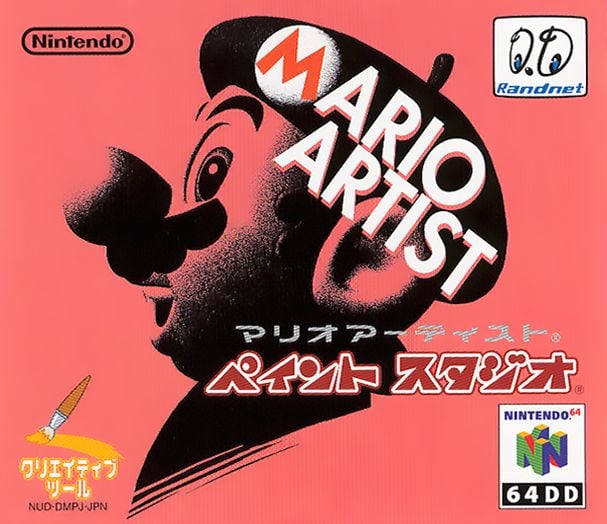
Mario Artist: Paint Studio for the 64DD.
A sequel was talked about for years. Wikipedia quotes the studio Software Creations describing its 1995 design as a 3D Nintendo 64 follow-up to Mario Paint, and Shigeru Miyamoto spoke about a Mario Paint 64 in a 1997 IGN interview. Time Extension’s history of the project reports that Nintendo of Japan later took it over, brought in Matsuoka as a lead with Takao Sawano producing, and reshaped it towards a 2D paint program, at one point adding Gnat Attack and later cutting it again.
What finally came out was the Mario Artist series for the 64DD in Japan, led by Mario Artist: Paint Studio in December 1999, sold with a Nintendo 64 mouse just as Mario Paint had been sold with the Super NES one. It is often called Mario Paint’s spiritual successor.
Series Firsts
What Mario Paint brought into the Mario world.
1The Super NES MouseThe mouse was designed for Mario Paint and launched with it in Japan, North America and Europe: this is the game the accessory was built for.
2UndodogThe undo button with a tail debuts here, 23 years before Super Mario Maker made him a star again.
3Udetate and BanzāiThe exercising bakers first appear in this game’s opening, unnamed; Mario Artist: Polygon Studio named them.
4Gnat Attack and King WatingaThe fly-swatting minigame and its boss start here, before reappearing in WarioWare, Super Mario Maker and Smash Bros.
5Mr. Crayon and the Baby FaceBoth are Mario Paint originals; the Baby Face in particular has become one of Nintendo’s most reused in-jokes.
Cheats & Secrets
There are no passwords in Mario Paint, but the title screen and the second controller port hide plenty. Super Luigi Bros has a separate page of Mario Paint cheats and tips.
Click every letter
M: Mario shrinks; click again to restore him.
A (first): the letter drops off the screen and knocks Mario away if he is under it.
R: an eye appears and the letter gurgles like a baby, crawls off and comes back.
I (first): black and white swap places and the music goes wobbly.
O: it grows a fuse, explodes and plays Kazumi Totaka’s hidden song.
P: a green field of noisy trees, cars, animals and UFOs replaces the logo; click the falling star there for a shower of objects.
A (second): Yoshi runs across to a drum beat.
I (second): all the text shakes.
N: the staff roll, with extra instruments in the music.
T: draw on the title screen with a thick rainbow crayon.
The programmer’s features
Click the N to start the credits. When PROGRAMMER NORIAKI TERAMOTO appears, hold the right mouse button and click the N again, then start the game. Now a right-click works Undodog from anywhere on the canvas or the music stave, a right-click in the stamp editor picks up the colour under the pointer, four extra stamp rotations join the usual flips, and L, R, Start and Select on a joypad in port 2 reset the game. You have to enter it again after every reset.
Joypad shortcuts in port 2
A + B + Start: skip the title screen and start straight away.
A + B + Select: view the saved picture, animation and song (or NO SAVE DATA if there are none). Reset to get back.
The baby says Nintendo
Record the gurgle from the R, play it backwards and slow it down, and it turns out to be a voice saying “Nintendo”.
Gnat Attack trophies
Each time you beat the third level a trophy icon is added to the corner of the screen, up to 15 in all. They are just for show: they unlock nothing, they are not saved, and a Game Over sends you back to level one of the first cycle.
Make Undodog sneeze
Turn the background music off in the music menu and leave it off. Every so often the masked Undodog sneezes.
Glitches & Oddities
Mario Paint is a sturdy program; the famous error is a storage limit rather than a bug, and the cartridge hides one unfinished page.
DATA OVER FLOW
The Data Over Flow error.
The picture and the animation are compressed to fit into 32KB of battery-backed memory. Make them too busy and the Save Robot gives up with a DATA OVER FLOW message, a puff of smoke and a looping explosion. The quickest way to cause it on real hardware is to cover every blank space with the spray tool in every colour.
The fifth Coloring Book page
The Cutting Room Floor found graphics for a fifth Coloring Book picture that was never completed; only a small bear icon survives. It suggests the team ran short of cartridge space, since the uncompressed graphics take up much of the ROM.
Videos
Nintendo of America’s trailer for the 2025 Switch release, and the Gaming Historian’s documentary on the game and the people it inspired.
Official trailer from Nintendo of America for the July 2025 release, with a pun-loving narrator and a Dr. Mario cartoon.
Gaming Historian (Norman Caruso), 28 July 2020: a third-party documentary on why Nintendo made Mario Paint and the players who grew up with it.
Trivia & Interesting Facts
Gnat Attack is never named on screen. It is usually known by that name, and sometimes as Coffee Break.
The Dr. Mario page of the Player’s Guide.Nintendo’s 2025 trailer has a narrator who asks viewers to explain why custom stamps are called Special Stamps, blames Gnat Attack on someone letting the office bin overflow, and introduces a remix of Dr. Mario’s Fever as a song he found in the Mario Paint Player’s Guide.
The Wii’s Photo Channel plays a recreation of Mario Paint’s rocket-ship eraser when you choose Undo All in its doodle mode.
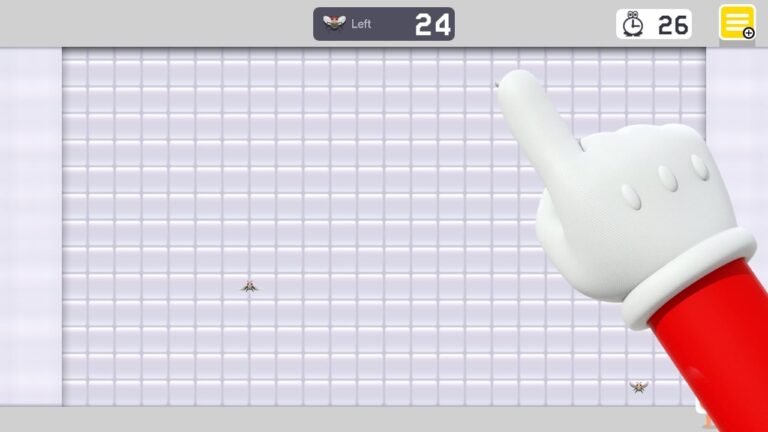
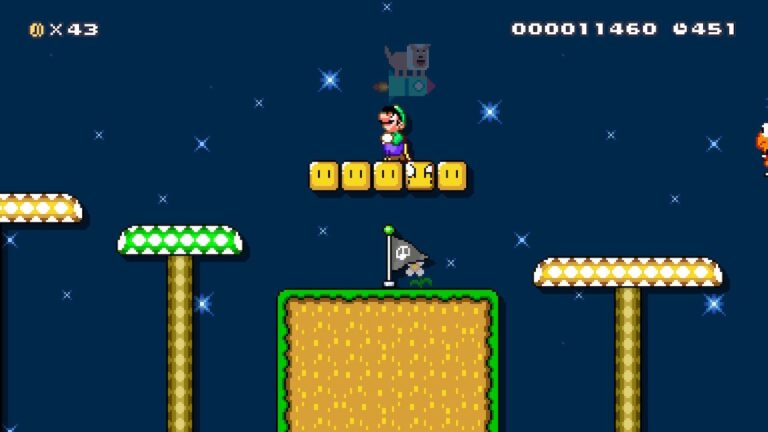
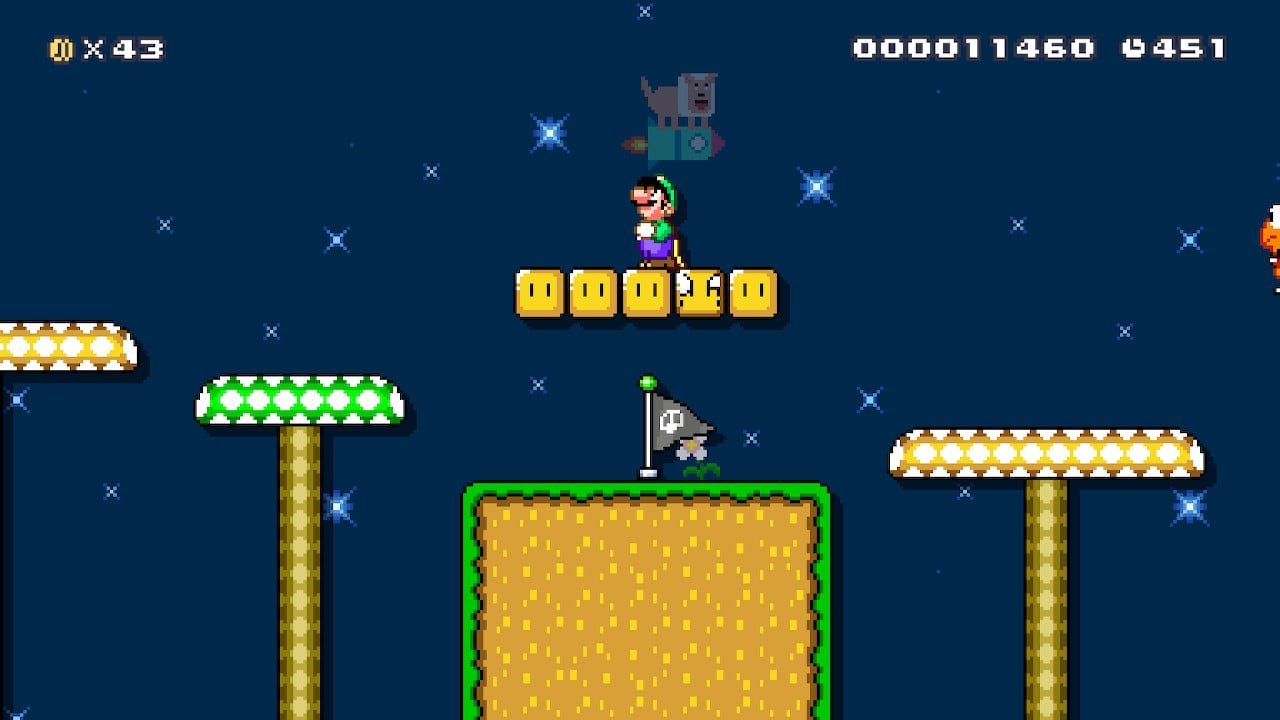
Gnat Attack in Super Mario Maker.Super Mario Maker started life as an idea for a Mario Paint game on Wii U, according to Polygon’s 2014 report. Producer Takashi Tezuka has said he wanted the course editor to feel as fun as Mario Paint, and Gnat Attack, Undodog and the clickable title screen all came along.
King Watinga in Super Mario Maker.Super Mario Maker’s Gnat Attack has three 30-second stages, Undodog cheering in the corner and King Watinga as the stage-three boss; clearing it unlocks the Builder Mario costume.
Undodog and the Reset Rocket in Super Mario Maker 2.In Super Mario Maker 2 Undodog sets the whole story going by pressing the Reset Rocket button and wiping out Peach’s Castle.
Satellaview owners got a version with a picture hidden inside: Dreaming of the Moon, by Mizota Hiroko, the winner of a Mario Paint contest. Use Load in the Save/Load/Coloring Book screen to find it.
In the 1992 Nintendo Power contest the grand prize was five Super NES Game Paks.
Mario Tennis Aces nods to Gnat Attack: when a point is scored at Marina Stadium, the screens show four pairs of white gloves clapping, like the end of a Gnat Attack level.
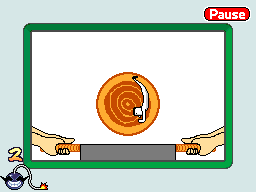
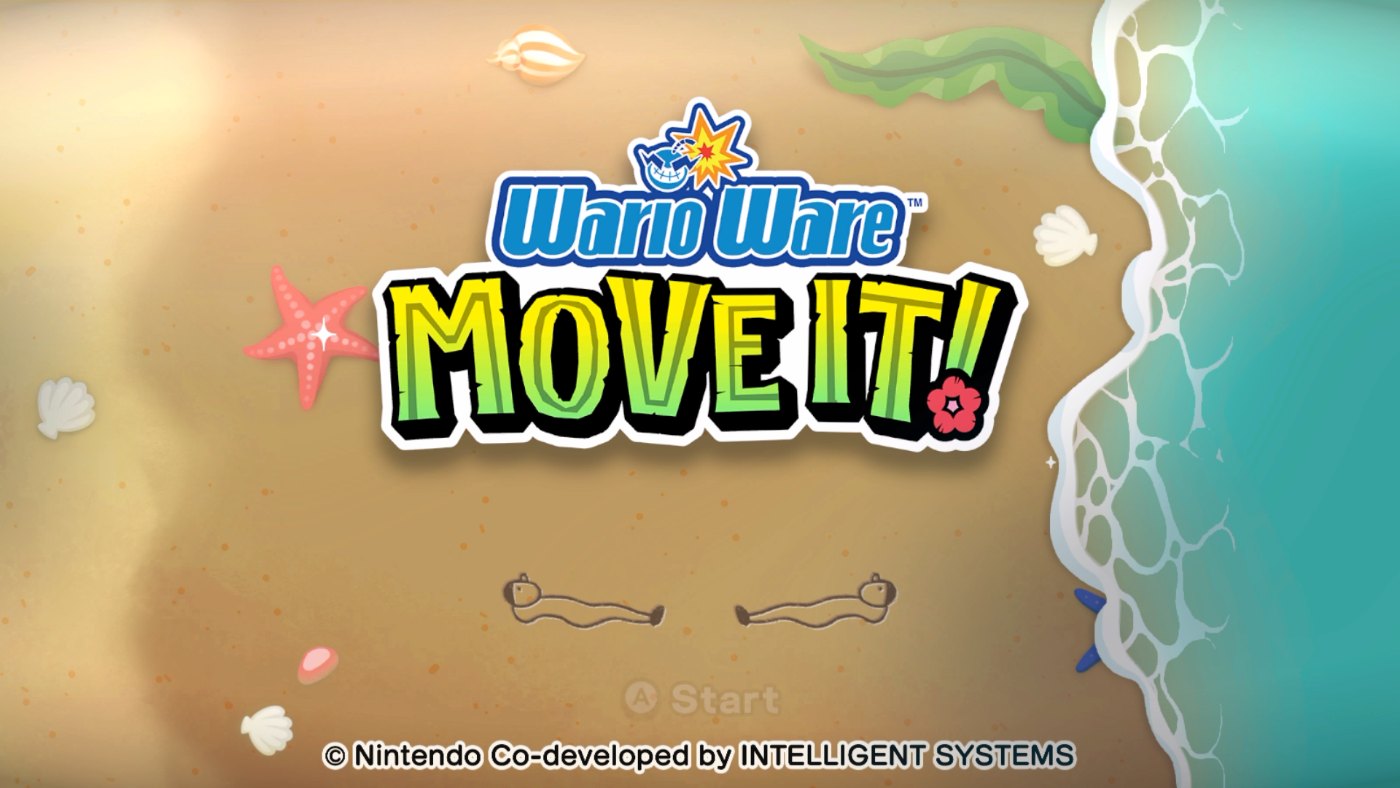
The baker in WarioWare, Inc.: Mega Microgame$!The bakers from the opening became a running joke in WarioWare; Udetate is the hidden object in the log in one of Mega Microgame$!’s games, and the pair appear as drawings on WarioWare: Move It!’s title screen.
A Mario Paint cover of the Succession theme drew coverage from Mashable and Collider in 2019, nearly three decades after the cartridge came out.
The Nintendo 64 mouse was only ever sold with Mario Artist: Paint Studio, repeating the trick Nintendo first played with Mario Paint.
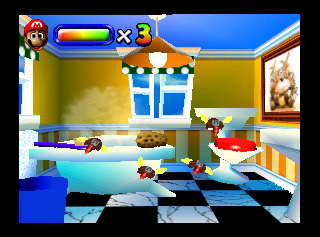
Gnat Attack in the Mario Artist: Paint Studio prototype.Mario Artist: Paint Studio was meant to bring Gnat Attack back, with levels in a bathroom, bedroom, kitchen and living room. It was cut, and the early version only surfaced when a prototype was found in 2020.
The Conductor Outfit in Super Mario Odyssey.Mario’s tuxedo, painter’s smock and conductor’s tails in Super Mario Odyssey are all taken from Mario Paint’s artwork.
Regional Box Art
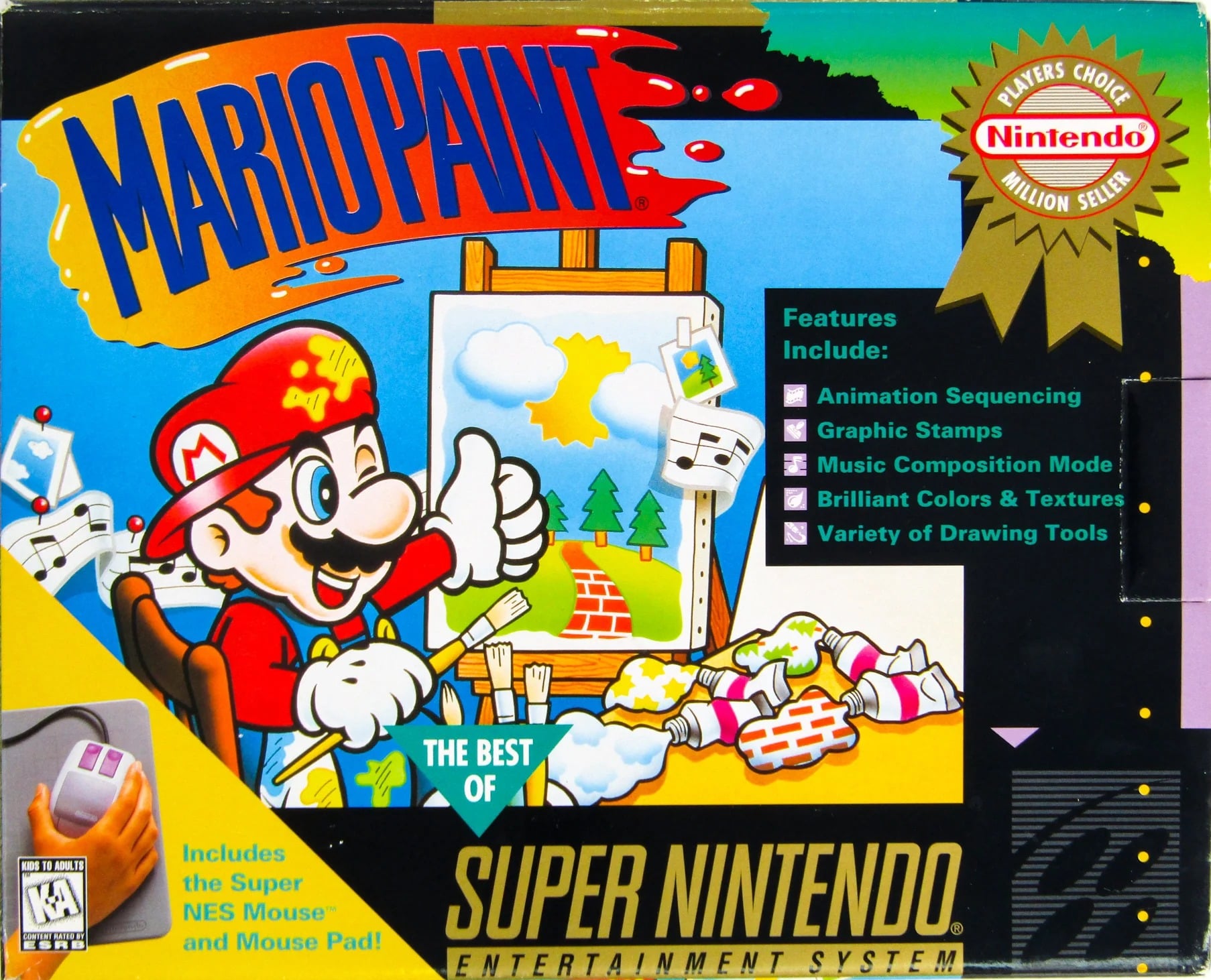
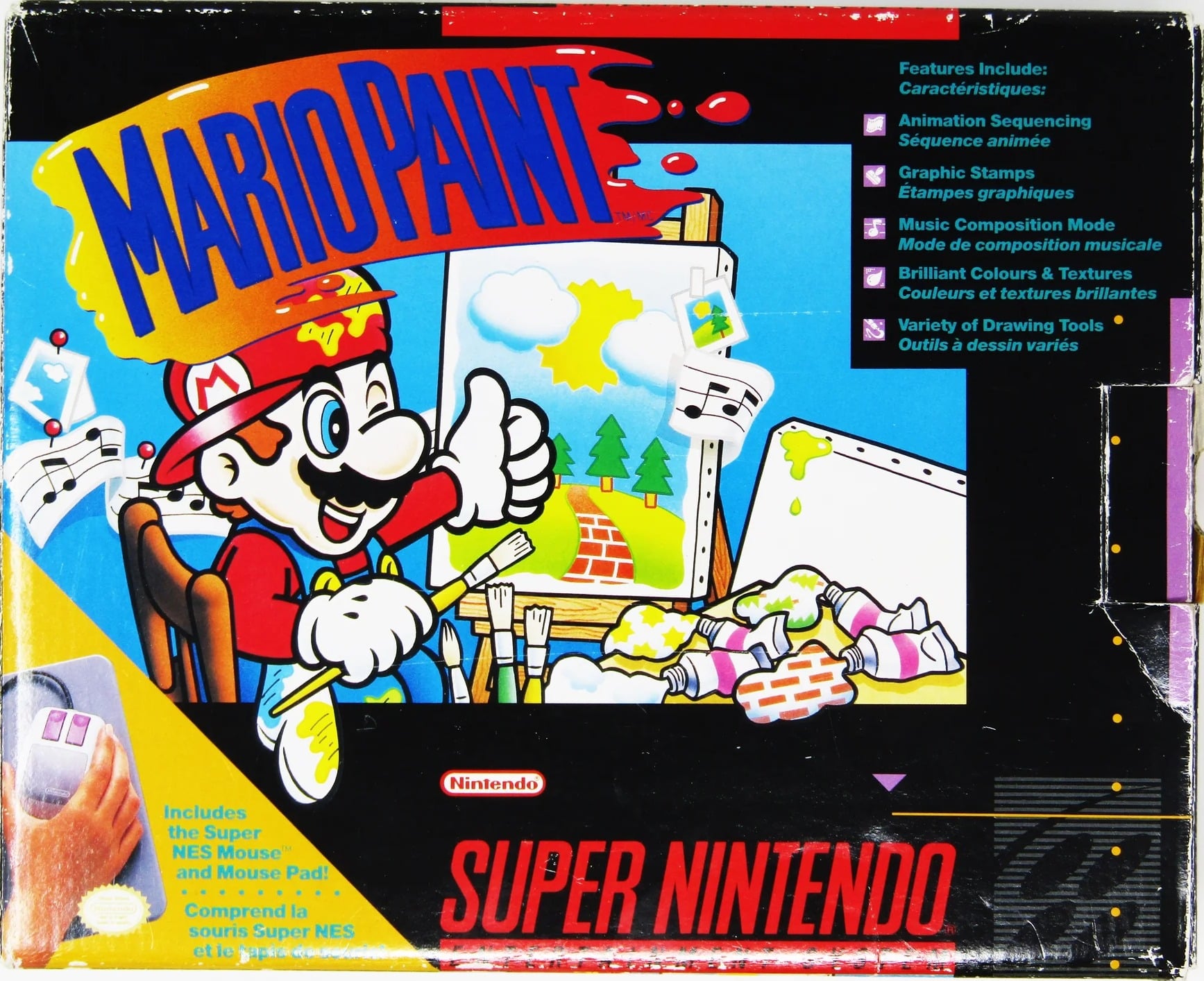
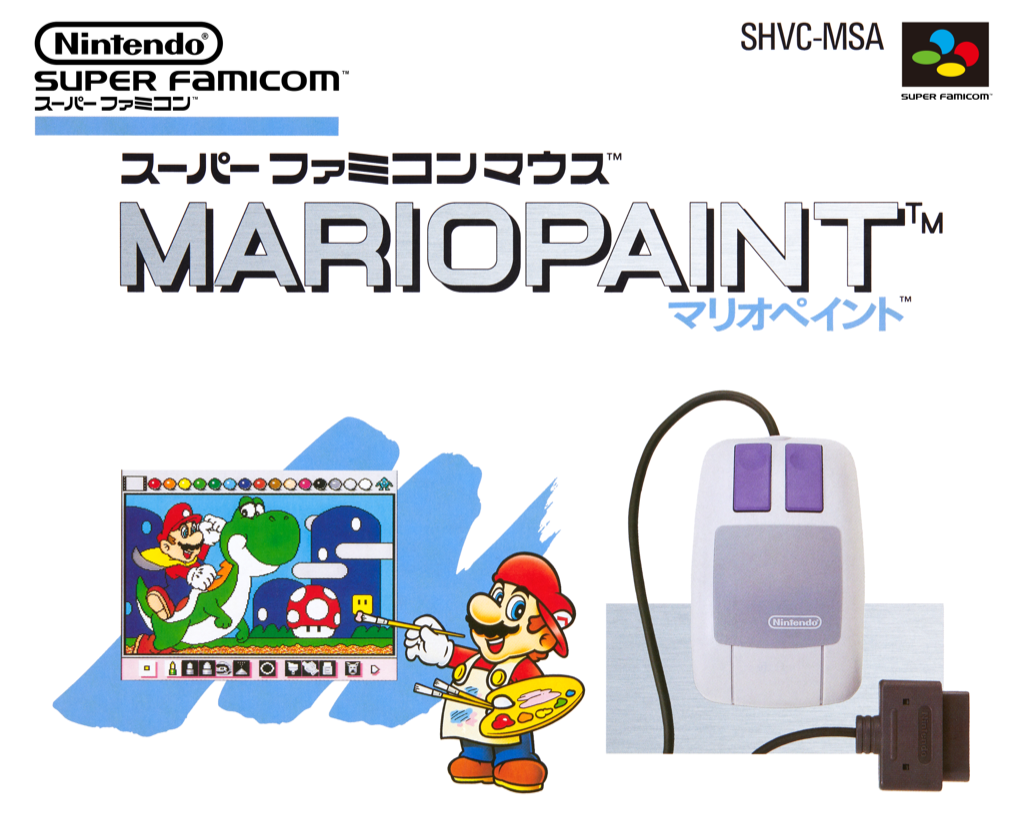
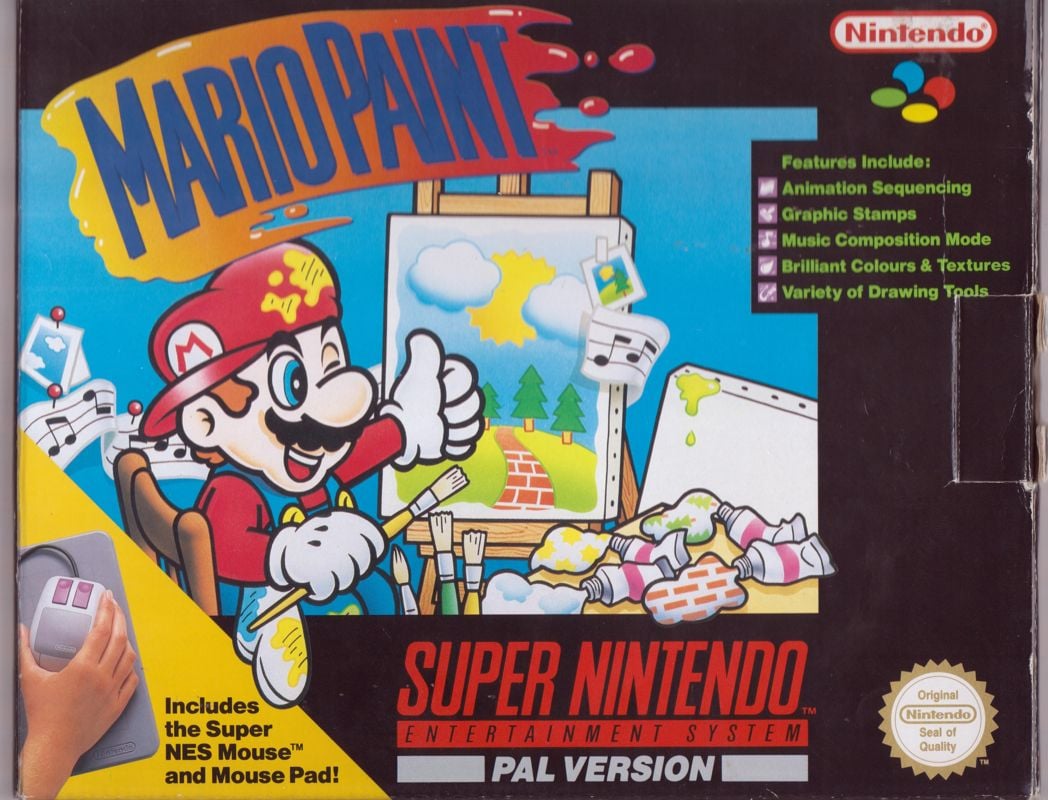
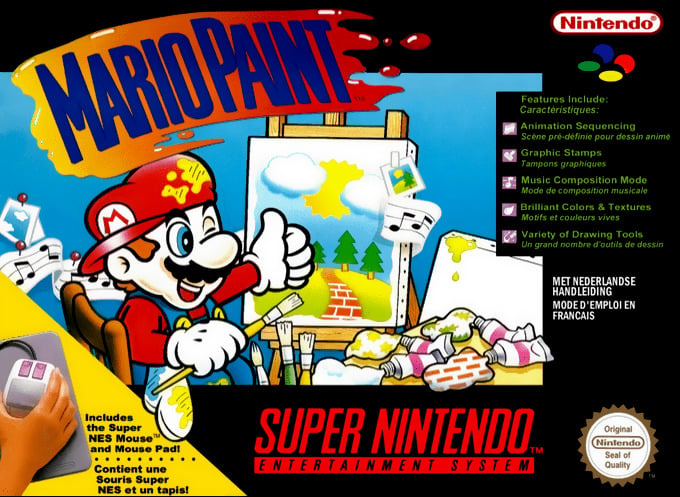
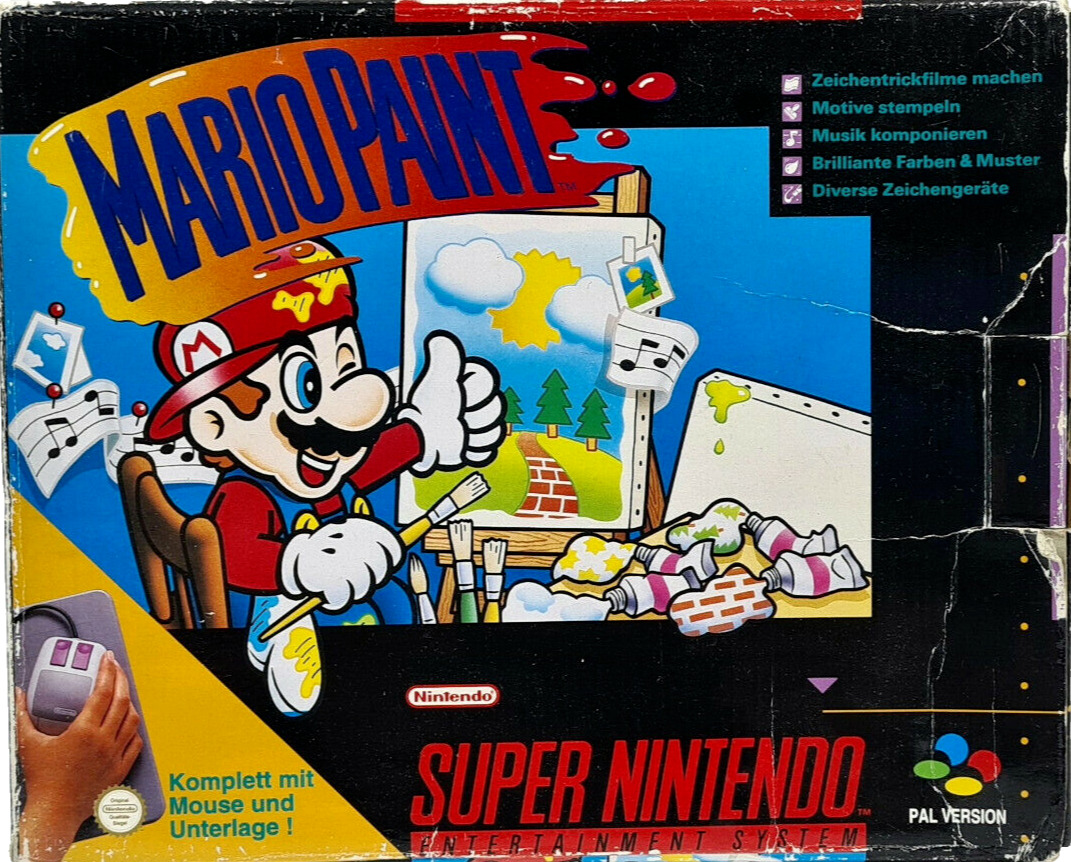
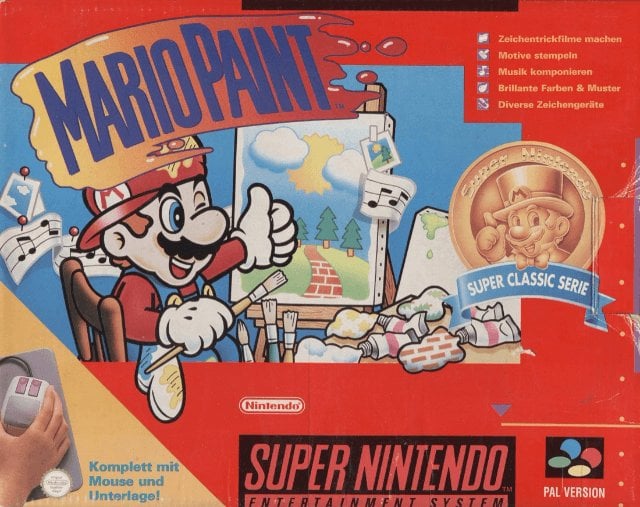
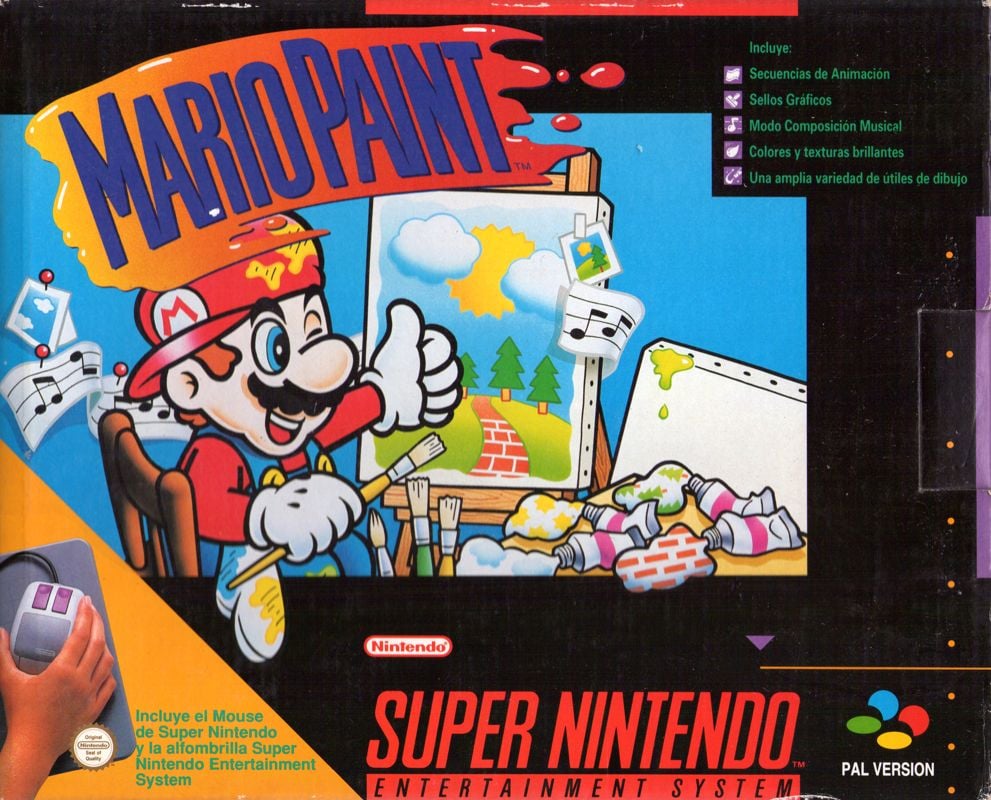
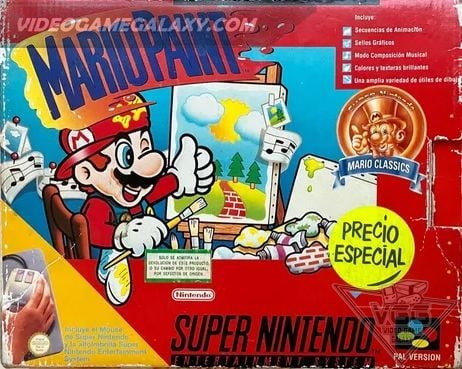
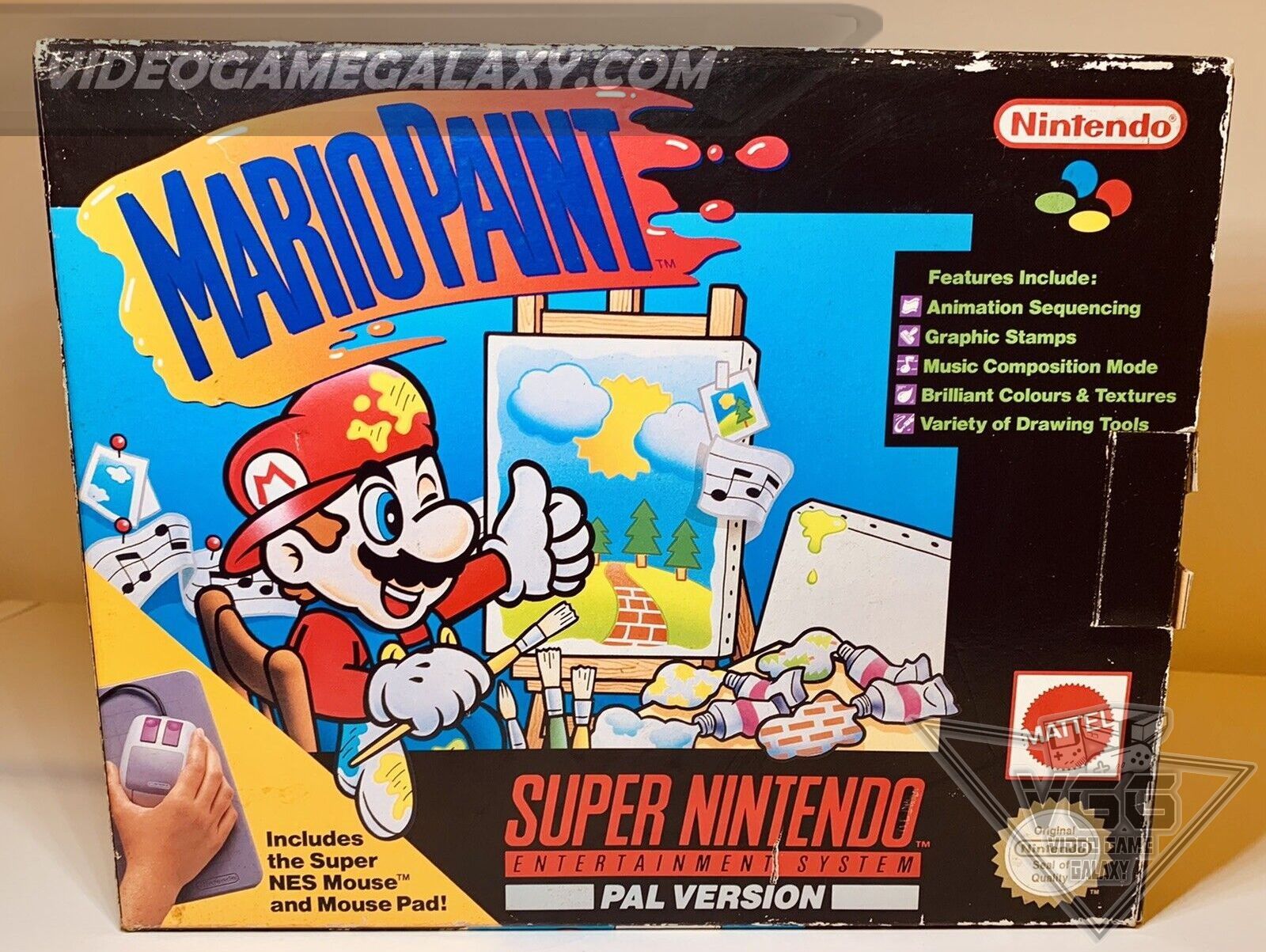
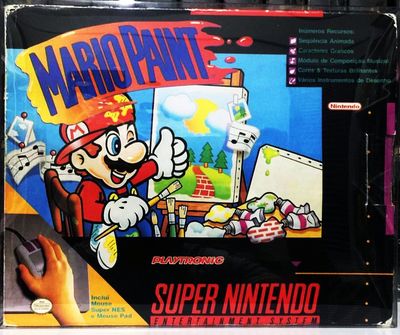
North America had three boxes: the bundle with mouse and pad, a box for the cartridge on its own and, from 1996, Player’s Choice. Germany and Spain later reissued it under the Nintendo Classics label.
North AmericaBundle with mouse and mouse padNorth AmericaCartridge sold on its ownNorth AmericaPlayer’s Choice, 1996North AmericaEarly, pre-release boxCanadaJapanSuper FamicomEuropeFrance and the NetherlandsGermanyGermanyNintendo Classics label (Super Classic Series)SpainSpainNintendo Classics labelAustralasiaBrazilPlaytronic, 1993LogoInternationalLogoJapan
Screenshots
More from the cartridge: the Coloring Book pages, the save screen and the swatting.
The birthday card page before colouring.The undersea page, coloured.The undersea page, blank.Opening a save file that has nothing in it yet.Gnat Attack paused.Dreaming of the Moon, the hidden picture in the Satellaview contest edition.
Artwork & Media Gallery
Official artwork, the Player’s Guide and odds and ends, plus the many places the cast has turned up since.
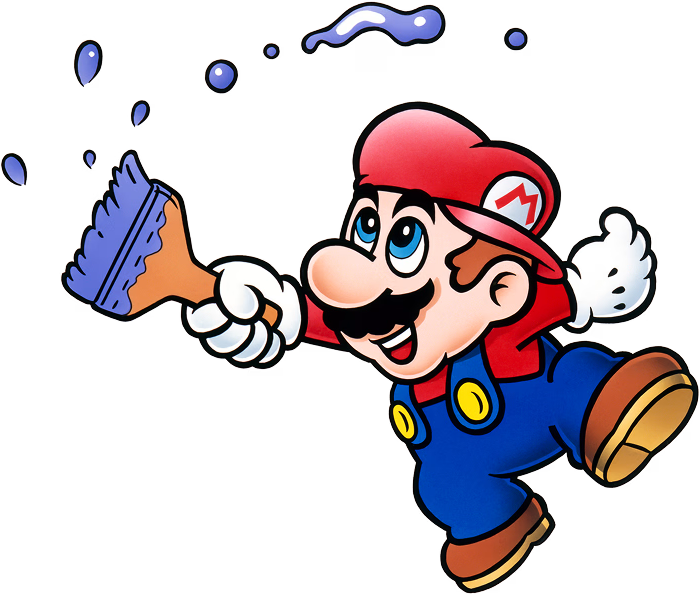
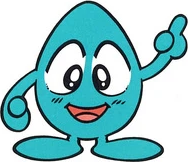
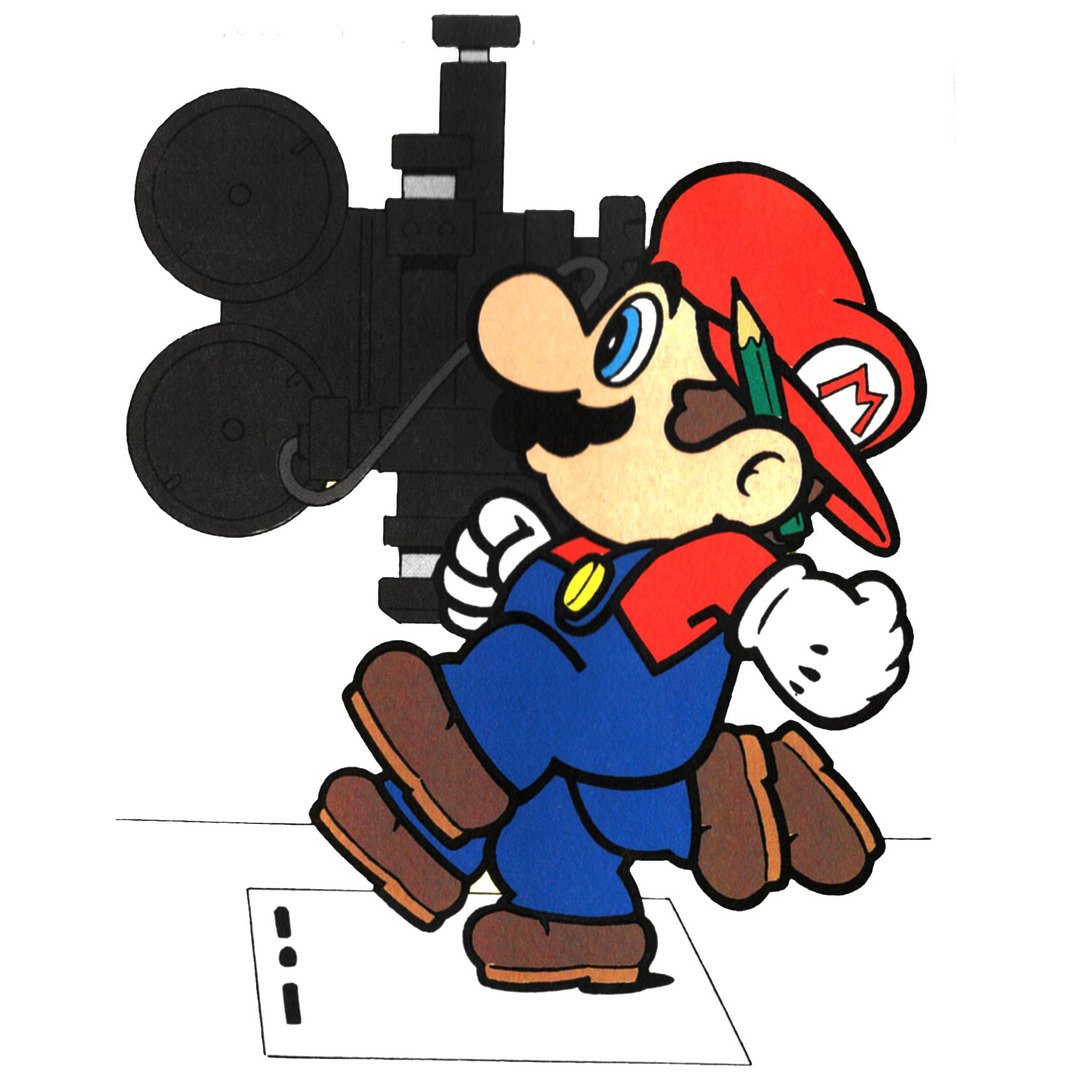
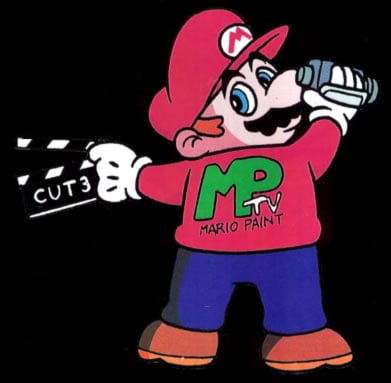
Mario with a paintbrush.Mr. Crayon.Mario explains animation, from the Player’s Guide.Mario behind the camera, from the Player’s Guide.The Player’s Guide cover artwork without text.The Lemmings example page of the Player’s Guide.The Bartman on the Move example page.The Maggie Simpson example page.The Santa’s Back example page.The Beethoven example page.Udetate and Banzāi in Mario Artist: Polygon Studio.The bakers in WarioWare D.I.Y.The twins drawn on WarioWare: Move It!’s title screen.The Mario Paint microgame in WarioWare D.I.Y.Undodog in Super Mario Maker artwork.The Undodog costume in Super Mario Maker.Undodog’s 3D model in Super Mario Maker 2.Super Mario Odyssey’s Black Tuxedo.
Legacy & Re-releases
Mario Paint was reissued, beamed to Japanese homes by satellite and finally brought to Switch, and its ideas have been part of Nintendo’s toolbox ever since.
Re-releases
Super Famicom14 July 1992 (Japan)Launched with the Super Famicom Mouse.
Super NESAugust 1992 (North America)TCRF gives 1 August; Wikipedia, citing Video Business, 17 August.
Super NES10 December 1992 (Europe)Released with the mouse.
Super NES30 August 1993 (Brazil)Published by Playtronic.
Player’s Choice1996 (North America)Budget reissue, rated K-A by the ESRB.
SatellaviewJapanMario Paint BS Ban adds joypad support; the Yūshō Naizō Ban also hides a contest-winning picture. Wikipedia dates the contest edition to 1997.
Mario Artist: Paint StudioDecember 1999 (Japan)The 64DD spiritual successor, bundled with the Nintendo 64 mouse.
Super NES – Nintendo Classics28 July 2025 (Americas), 29 July 2025 (elsewhere)Nintendo Switch Online. A USB mouse on Switch; a USB mouse or Joy-Con 2 on Switch 2. The soundtrack joined Nintendo Music the same day.
WarioWare picks up the brush
Matsuoka went on to work on the first WarioWare, which included a Gnat Attack microgame and a Fly Swatter bonus game. WarioWare: Touched! and WarioWare D.I.Y. put the drawing board itself into microgames, and D.I.Y.’s staff told Satoru Iwata that they based its drawing tools on Mario Paint, and Iwata remarked that the team had a model in it for both drawing pictures and making music. Game & Wario followed with Super Fly Swatter and WarioWare Gold with another Gnat Attack microgame.
Super Mario Maker
Super Mario Maker (Wii U, 2015) is the game’s most direct descendant: a Mario editor that brings back Undodog as its undo button, an interactive title screen, the Baby Face sound and a fully playable Gnat Attack. Super Mario Maker 2 gave Undodog a starring role in its story mode.
Music by the internet
Long after the cartridge left the shops, its composer found a second life online. Fan-made programs copied it for PCs, and Mario Paint covers of everything from pop hits to television themes became a genre of their own, still easy to recognise by the pig, the cat and the Game Boy beep.
Reviews & Sales
Sales
Mario Paint was sold as a package with the mouse, and the package sold well. A UPI report on Nintendo’s results, dated 21 May 1993, said the Mario Paint and mouse set had passed one million units by March 1993. The lifetime figure usually quoted, more than 2.3 million copies worldwide, comes from the CESA Games White Paper as cited by Wikipedia; Nintendo has not published a figure of its own.
2.3 million+copies worldwide (CESA, via Wikipedia)
1 million+Mario Paint and mouse packages by March 1993 (UPI)
132Super NES and Super Famicom games with mouse support (Wikipedia)
15composer sounds
Reviews
Mario watches an animation, from the Player’s Guide.
Scores from period magazines and later sites, as listed by Wikipedia with their issues.
Computer and Video GamesNo. 133, December 1992
91%
Super ProNo. 2, January 1993
90%
Game InformerLegacy review archive
8.75/10
Electronic Gaming MonthlyVol. 5 No. 10, October 1992; four reviewers
8, 8, 9, 8
SNES ForceNo. 1, July 1993
82%
Nintendo Magazine System (Australia)No. 4, July 1993
70%
ControlNo. 9, May 1993
55%
Super PlayNo. 6, April 1993 (Jez Bridgeman)
55%
Total!No. 10, October 1992 (Steve Misery)
48%
AllGameretrospective (Michael L. House)
5/5
GameRankingsaggregate of 4 reviews
72%
Jeuxvideo.comretrospective, July 2009
14/20
American magazines loved it. Nintendo Power’s reviewers in Volume 39 thought anyone with an interest in drawing, animation or music would enjoy it, whatever their age; EGM’s Ed Semrad praised the mouse and pad as a convincing art tool; and GamePro gave it full marks for graphics and control with 4.5 for sound and fun, calling it accessible to younger players but deep enough for older ones.
British magazines were cooler. Total! scored it 48%, arguing that it went overboard on some features and left out others, and that its limits were hard to excuse on a console that could show so many colours; Super Play gave it 55%. Later critics have been kinder: IGN’s Peer Schneider praised the way its playful interface blurred creating and playing, and US Gamer’s Bob Mackey saw it as a sensible answer, in its time, to graphics software that needed an expensive PC.
Honours
Nintendo Power Awards ’92Most InnovativeNintendo Power No. 48, May 1993.
Parents’ ChoiceParents’ Choice AwardReported by the Associated Press, January 1993.
Nintendo Power, January 1993Fifth-best Super NES game of 1992Vol. 44.
Nintendo Power Top 200, 2006No. 162Among the best games on any Nintendo system.
IGN, 2014No. 105 of the Top 125 Nintendo Games
IGN, 2022No. 22 of the Top 100 SNES Games
SLB User Reviews
Mario Paint has yet to receive a community review on Super Luigi Bros.
If you’ve played Mario Paint and would like to submit a review, please get in touch.
More from the Super Luigi Bros Guide
These picture lists come from the earlier Super Luigi Bros guide to Mario Paint and are kept here in full.
The complete colour palette
Mario Paint’s palette is organised into 14 colour sets, each containing 14 colours. You cycle through them by clicking the Mr. Crayon icon — each set has its own distinctly coloured crayon version. These are the exact official in-game colour swatches from the game data:
Set
1
2
3
4
5
6
7
8
9
10
11
12
13
14
Crayon
1
2
3
4
5
6
A 15th slot in the palette is reserved for custom stamps created in Stamp Mode — cycling to it shows your own creations rather than preset colours.
Reference / Information
Super Mario Maker — Revived Gnat Attack as a minigame, Undodog appears in loading screens, the Baby Face sound effect returns, and the Coursebot theme uses the Save & Load music
Super Mario Maker 2 — The pig from Music Mode appears as a sound effect; Baby Face sound returns
WarioWare: D.I.Y. — Multiple direct references including the microgame maker interface, the Baby Face as a stamp, and the Kung-Fu Men instrument demo tune which quotes the Mario Paint “Opening 2” theme
WarioWare, Inc.: Mega Microgame$! — The Mario Paint Fly Swatter microgame and minigame are directly based on Gnat Attack
WarioWare: Twisted!, Touched!, Gold, Get It Together!, Move It! — Various appearances of the Baby Face, Udetate, and Gnat Attack-based microgames
Game & Wario — Super Fly Swatter is based on Gnat Attack; Baby Faces appear in place of regular flies
Super Smash Bros. for Wii U — Mario Paint song medley plays on the Miiverse stage
Super Mario Odyssey — Crazy Cap costumes reference Mario’s appearances in Mario Paint promotional artwork
Mario Artist: Polygon Studio (N64DD) — The Mario Paint exercise cartoon is recreated; the two stick figures appear as NPCs
Mario Kart World — Arrangements of “Drawing Board 1” and “Gnat Attack: Level 1” play during Free Roam and VS Race routes
To provide the best experiences, we use technologies like cookies to store and/or access device information. Consenting to these technologies will allow us to process data such as browsing behavior or unique IDs on this site. Not consenting or withdrawing consent, may adversely affect certain features and functions.
Functional
Always active
The technical storage or access is strictly necessary for the legitimate purpose of enabling the use of a specific service explicitly requested by the subscriber or user, or for the sole purpose of carrying out the transmission of a communication over an electronic communications network.
Preferences
The technical storage or access is necessary for the legitimate purpose of storing preferences that are not requested by the subscriber or user.
Statistics
The technical storage or access that is used exclusively for statistical purposes.The technical storage or access that is used exclusively for anonymous statistical purposes. Without a subpoena, voluntary compliance on the part of your Internet Service Provider, or additional records from a third party, information stored or retrieved for this purpose alone cannot usually be used to identify you.
Marketing
The technical storage or access is required to create user profiles to send advertising, or to track the user on a website or across several websites for similar marketing purposes.




 Save / LoadOne picture, animation and songThe robot stores your work; an empty file gets a NO SAVE DATA message.
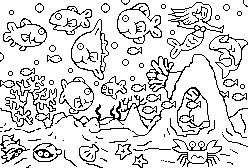 Coloring BookFour line drawingsMario and Yoshi, animals, a birthday card and sea life to colour in.
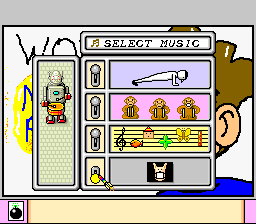 Background music menuThree tunes or silencePick a tune for the drawing board, or let Undodog wear his mask.
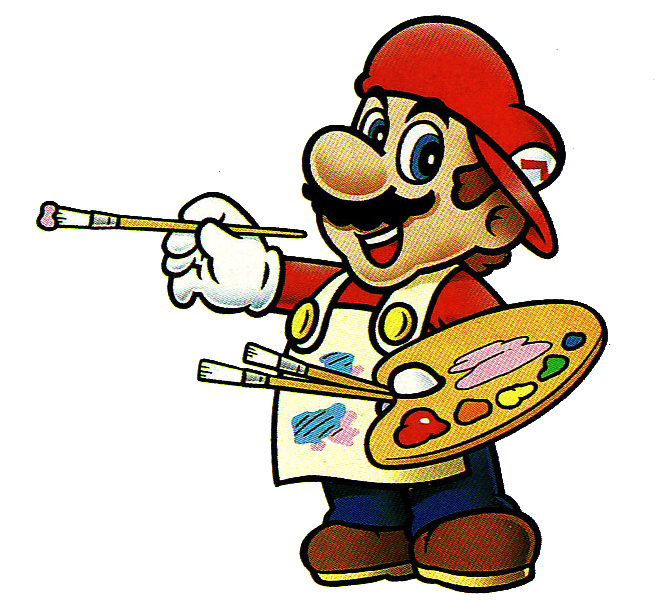


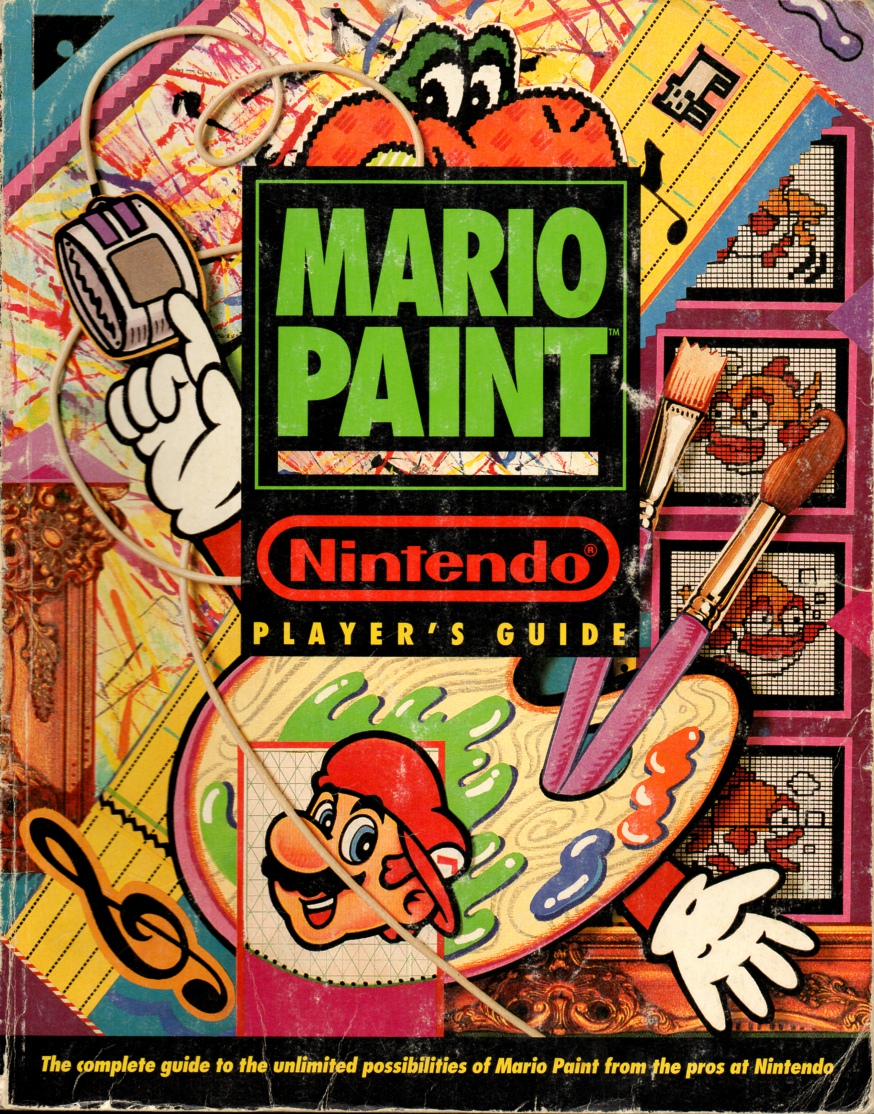 Mario Paint Player’s GuideNintendo, 1993Nintendo’s own guide walked readers through every tool and filled its pages with examples to copy, among them pieces based on Dr. Mario, Lemmings, Bartman on the Move, Maggie Simpson, Beethoven and Santa’s Back.
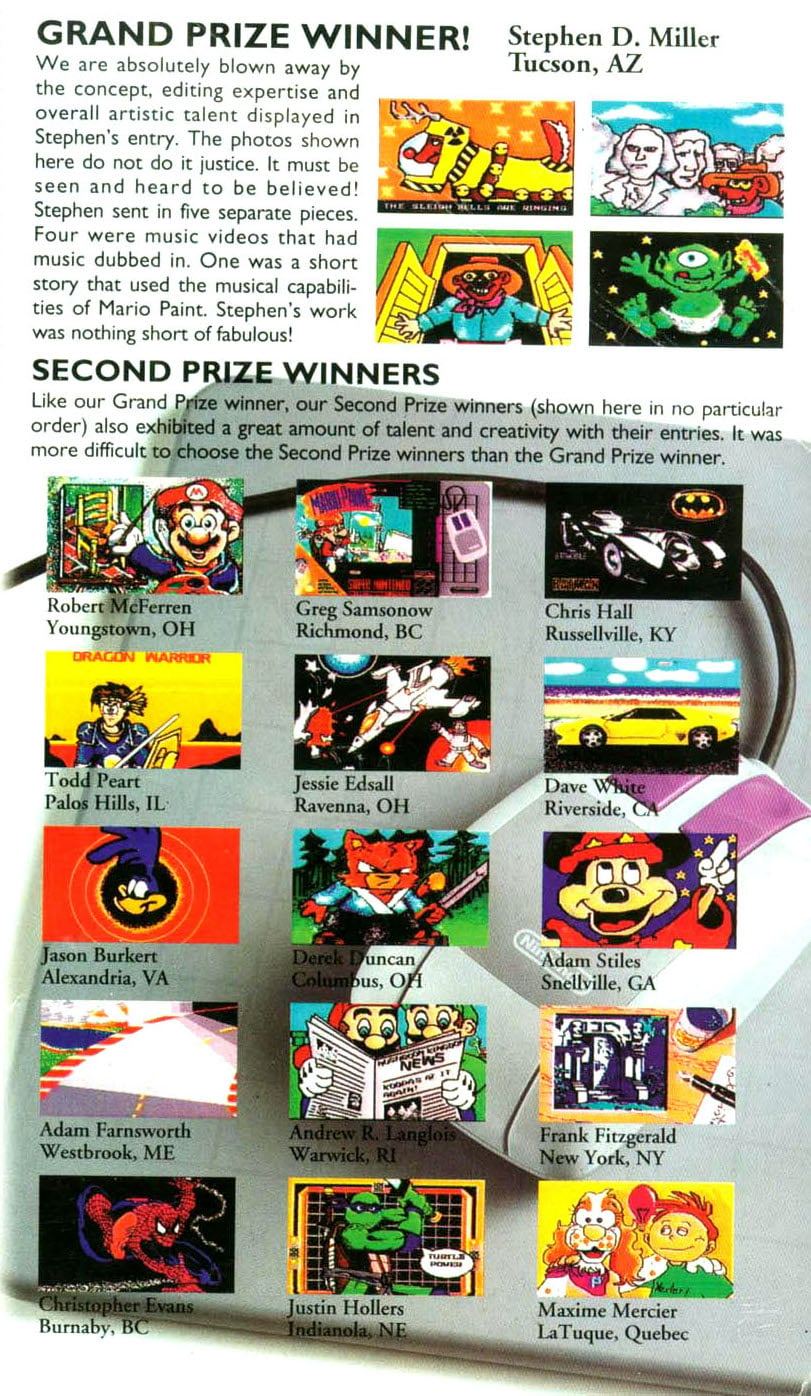 The Nintendo Power Mario Paint ContestNintendo Power Vol. 41 (October 1992) and Vol. 47 (April 1993)Readers recorded their creations on video tape and posted them in before 1 December 1992. Sixteen winners were shown in Volume 47; the grand prize of five Game Paks went to Stephen D. Miller of Tucson, Arizona, and fifteen runners-up got one each.
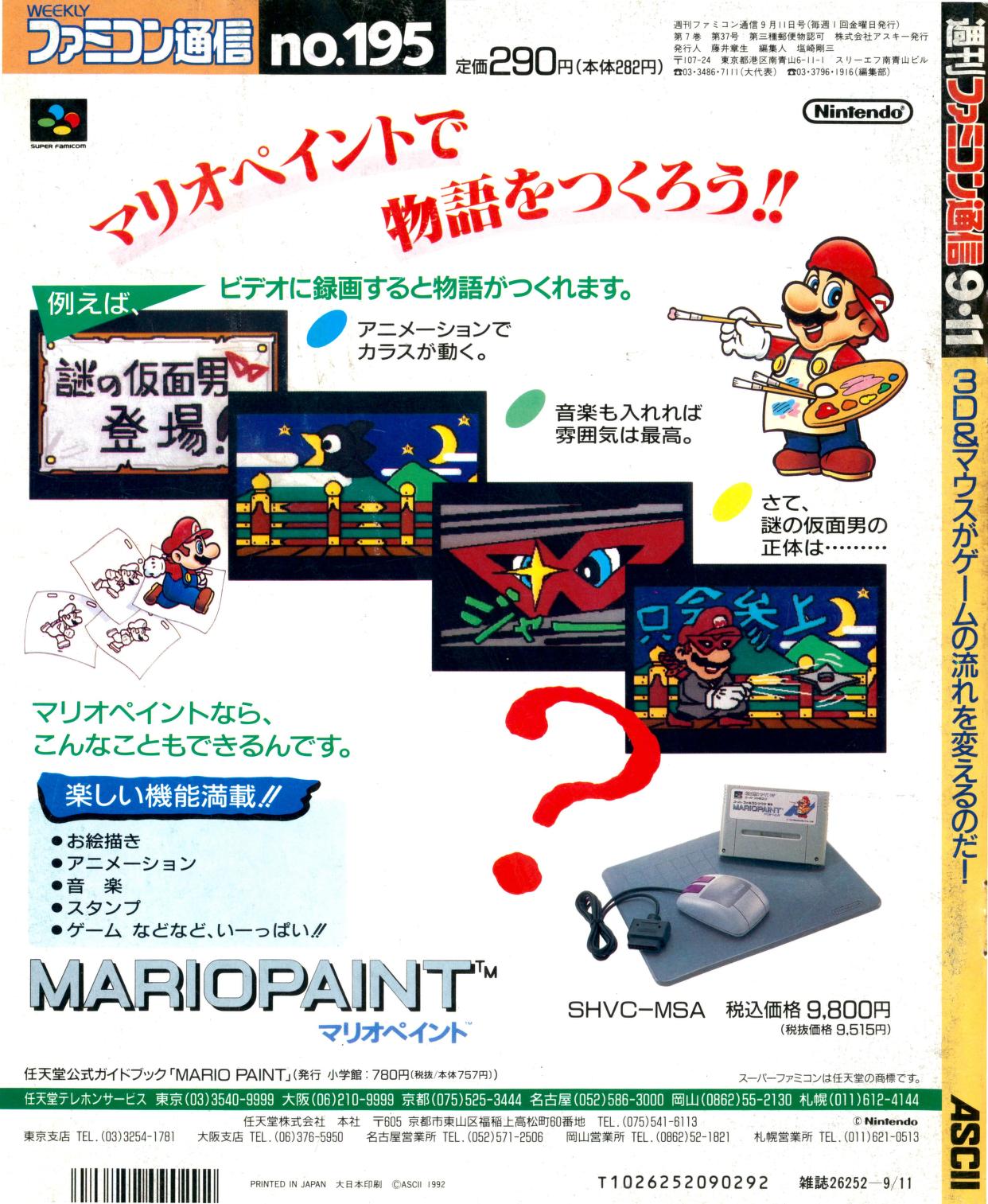 Famicom Tsūshin advertJapan, 1992The back cover of Famicom Tsūshin volume 195 carried a full-page Japanese advert for the game.
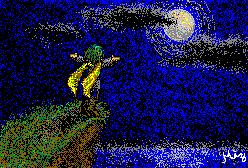 Satellaview editionsJapanTwo versions went out over the Satellaview satellite service: Mario Paint BS Ban, which added joypad support, and the Yūshō Naizō Ban, which also hides the winning entry of a Mario Paint contest, Dreaming of the Moon by Mizota Hiroko.
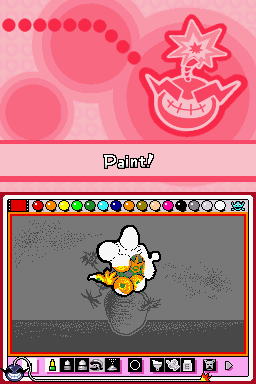 WarioWare: Touched! and WarioWare D.I.Y.Nintendo DS, 2004 and 2009Both have a microgame set on the Mario Paint drawing board, complete with Mr. Crayon and Undodog. Touched! adds the Wario Paint souvenir and a turntable that plays the Art mode music.
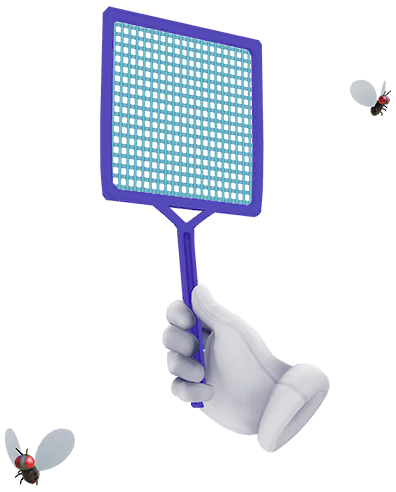 Super Smash Bros.Wii U (2014), Ultimate (2018)Super Smash Bros. for Wii U plays an arranged Mario Paint medley on its Miiverse stage, sneezing Undodog included. Ultimate turns Gnat Attack into the Flies & Hand Assist Trophy.
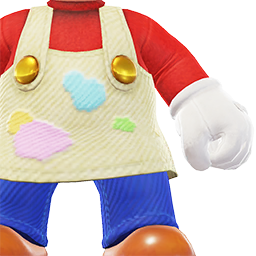 Super Mario OdysseyNintendo Switch, 2017The Black Tuxedo, Painter Outfit and Conductor Outfit in the Crazy Cap shops are based on Mario’s look in the Mario Paint artwork.
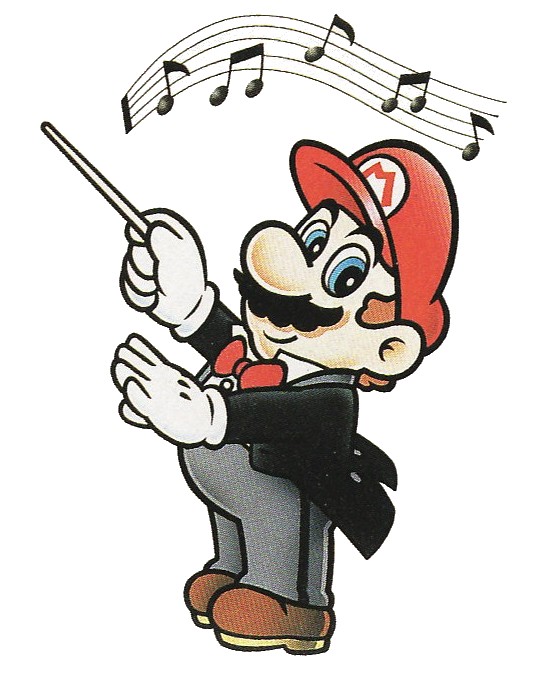 MarioArtist, composer, conductor
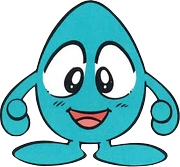 Mr. CrayonKeeper of the palette
 King WatingaGnat Attack boss
 FlyAll levelsThe basic target. It just flies across the screen and cannot hurt you.
 Fly (big)All levelsA larger fly that fires shots at the hand.
 Fly ParentAll levelsA dragonfly-like insect that gives birth to Fly Children if you do not swat it quickly.
 Fly ChildAll levelsThe Fly Parent’s offspring, which fly at the hand like bullets.
 Fly BombAll levelsHomes in on the hand and explodes.
 The swarmLater roundsAfter every third level the cycle repeats with faster, more aggressive insects.