Windows · Macintosh1996/97Typing tutorInterplay · BrainstormTalking 3D Mario headCharles Martinet as MarioMagical Keyboard: A for Apple to Z for ZebraLast Mario educational game
Mario Teaches Typing 2
Mario’s last day as a typing teacher. Mario Teaches Typing 2 is Interplay’s follow-up to its 1992 hit, made by its new children’s label Brainstorm and released on a hybrid Windows and Macintosh CD-ROM, with its copyright recorded on 31 October 1996. It keeps the original’s four lessons, from Smash & Dash to the Expert Express, and wraps them in an animated story in which Mario and Luigi rebuild a shattered Magical Typewriter to bring down Bowser’s Castle. New are a colour-coded on-screen keyboard, custom lesson plans, a printable certificate and Mario’s Magical Keyboard, where every key sets off a cartoon, while a floating, wisecracking 3D Mario head voiced by Charles Martinet keeps you company. Reviewers found it too young and that head too strange, and it proved to be the last educational game in the Mario series.
The first Mario Teaches Typing sold more than 800,000 copies, so a sequel was a safe bet. When Interplay set up Brainstorm in late 1996 as a home for its children’s software, the new Mario was among its first releases, produced by Thomas Decker, who had made the original, and shipped on a single CD-ROM for both Windows and the Macintosh.
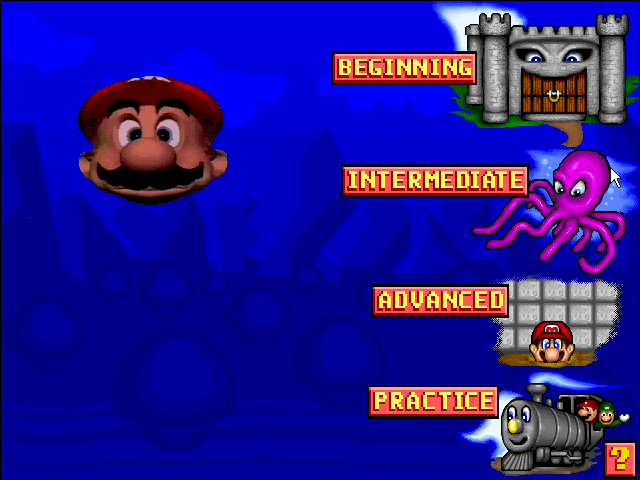
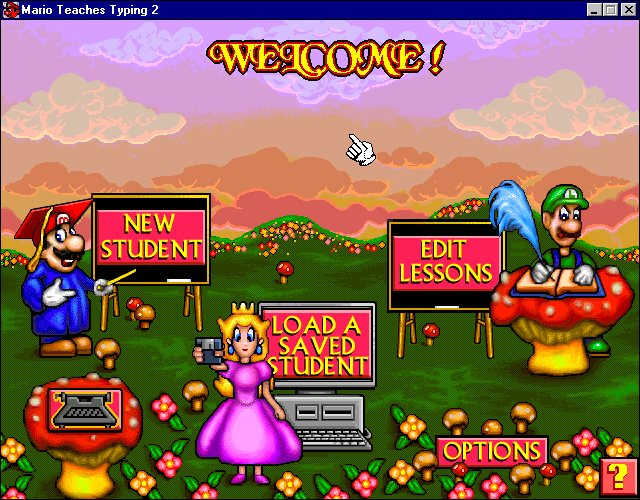
It is less a new game than a polished, expanded version of the original’s Enhanced CD-ROM edition. The four lessons are the same, Smash & Dash outdoors, the underwater level, the Tunnel of Doom and the Expert Express drill, and so is the Magical Typewriter story first told in that CD-ROM. Around them Brainstorm added longer animated cutscenes, a blue main menu in place of the old purple, a rebuilt practice mode, lesson plans you can tailor, a certificate you can personalise and an on-screen keyboard coloured to show which finger presses which key.
The headline act is still Mario himself, or rather his giant floating head, voiced by Charles Martinet, who chats, sings, jokes and even asks if he can keep your computer. The reviewers were not won over. And according to Brian Fargo, Shigeru Miyamoto afterwards told Interplay that Mario was not to be used for educational games any more, which makes this the last of its kind.
Why Mario Teaches Typing 2 matters to Mario fans
It is a snapshot of Charles Martinet’s Mario in the era of Super Mario 64: the same voice, the same floating head idea, but given free rein to clown about, sing and ad-lib between lessons. It is also the end of an era. After the Toolworks games and two typing tutors, Mario has not fronted an educational game since.
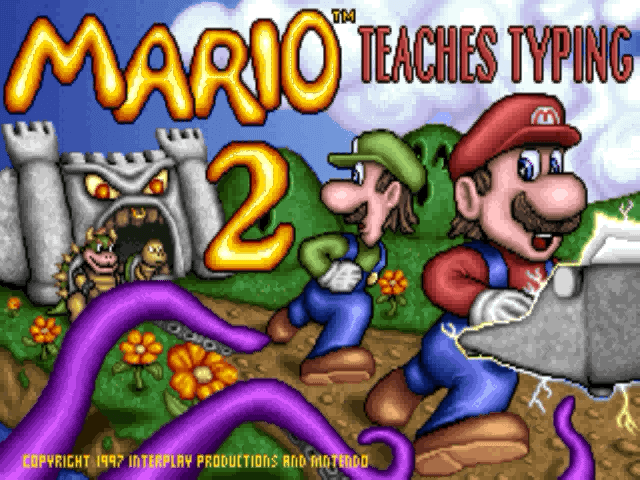
The title screen.The new blue main menu.Mario’s Tunnel of Doom.The story begins: Mario and Luigi find the Magical Typewriter.
Quick Answers
Quick answers about Mario’s second typing class.
When did Mario Teaches Typing 2 come out?
In North America in late 1996 or early 1997. Its copyright was recorded on 31 October 1996 and Interplay was advertising it by the end of 1996, but Brainstorm’s launch press release came on 31 March 1997 and Wikipedia gives 1997 as the year of publication. More →
Who made it?
Brainstorm, the children’s software division Interplay Productions formed in late 1996, with Interplay as publisher. Nintendo licensed Mario but did not develop it. More →
Who voices Mario?
Charles Martinet, who is widely listed as the uncredited voice of Mario and his floating 3D head; he had voiced the head in the first game’s Enhanced CD-ROM edition. More →
What systems does it run on?
Windows 3.1 and Windows 95 PCs and Macintosh computers, from one hybrid CD-ROM. It also runs on later 32-bit versions of Windows up to XP. More →
What is new compared with the first game?
Longer story cutscenes, a colour-coded on-screen keyboard, custom lesson plans, a personalised certificate, a redesigned practice mode and Mario’s Magical Keyboard. More →
What is the story?
Mario and Luigi find a Magical Typewriter near Bowser’s Castle, it blows apart into three pieces, and they must recover them from a Koopa, a sunken ship and the castle itself before typing the spell that destroys the castle. More →
Was it the last Mario educational game?
Yes. It is usually counted as the last educational game in the series, and by Brian Fargo’s account Miyamoto then told Interplay Mario could not be used for edutainment again. More →
Was it well reviewed?
Not especially. Reviewers thought it suited young children but would put off older learners, and several disliked the talking head. More →
Story & Lessons
The lessons come with a plot, told in animated cutscenes between the levels. It expands the Magical Typewriter story introduced in the first game’s Enhanced CD-ROM edition.
The Magical Typewriter
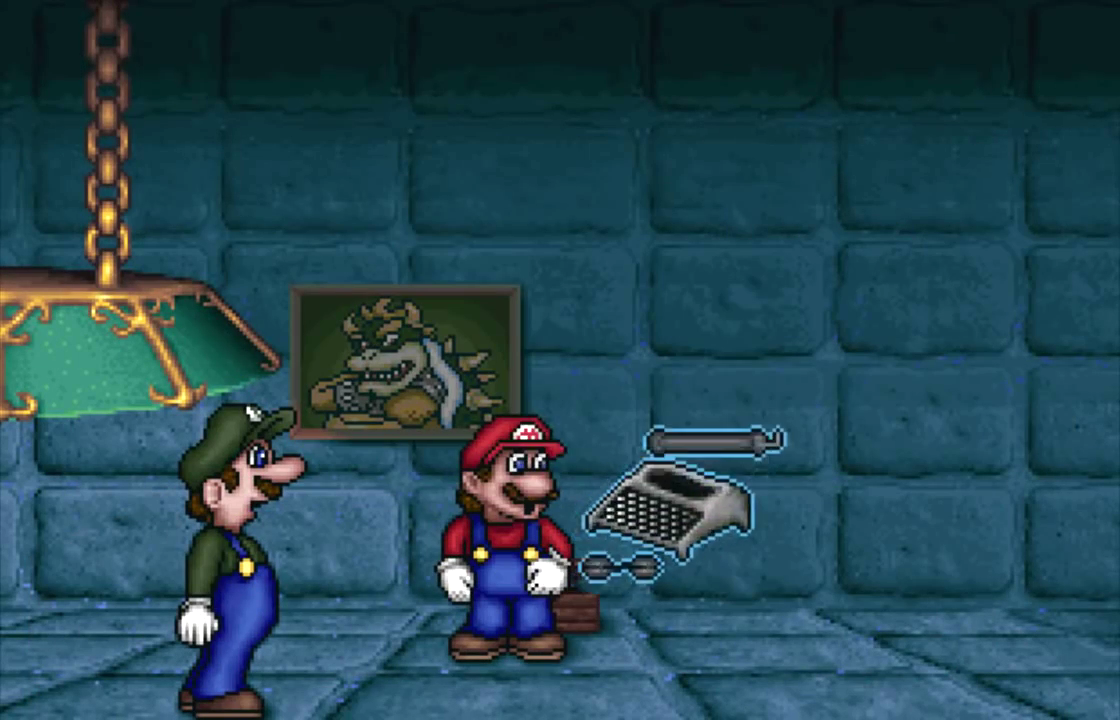
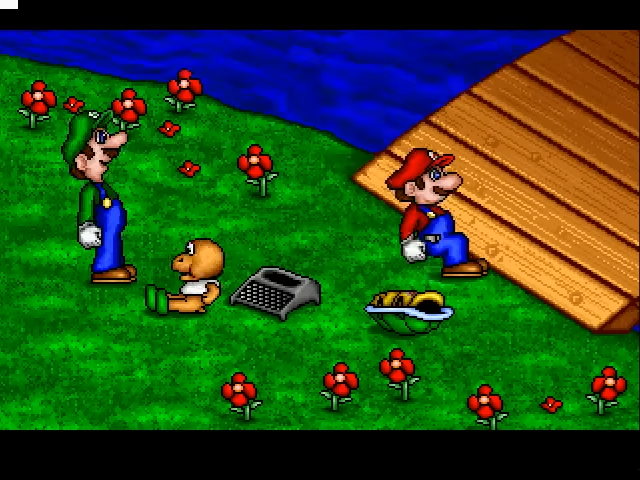
Near Bowser’s Castle, Mario and Luigi come across a Magical Typewriter. It types out a scroll explaining that it is the key to defeating Bowser, and warning that a mistyped word will make it destroy itself. Sure enough, it bursts into three pieces that land on different sides of a river.
Finding the Magical Typewriter.
The bridge and the river
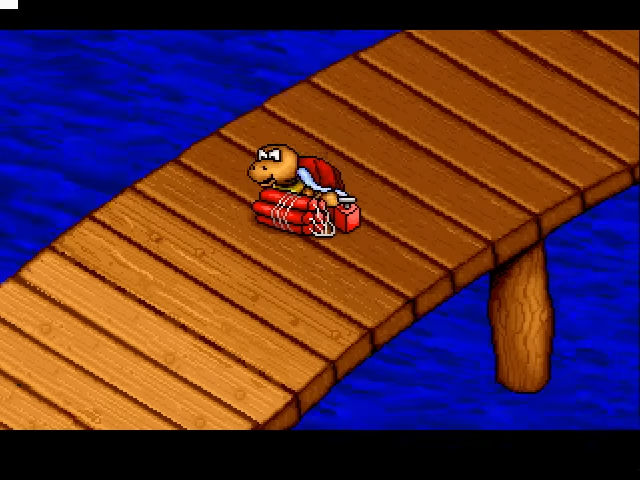
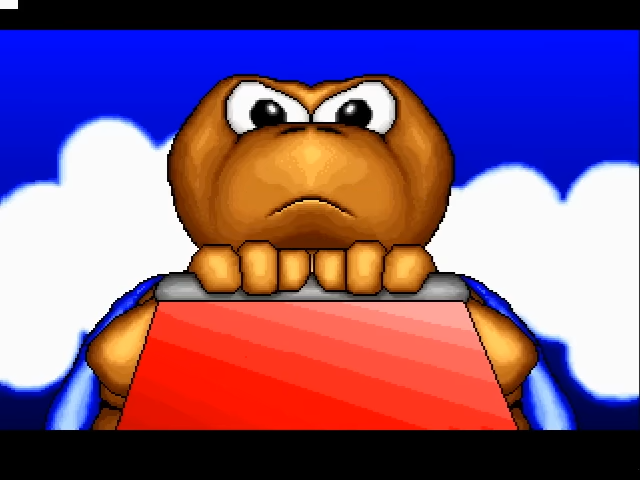
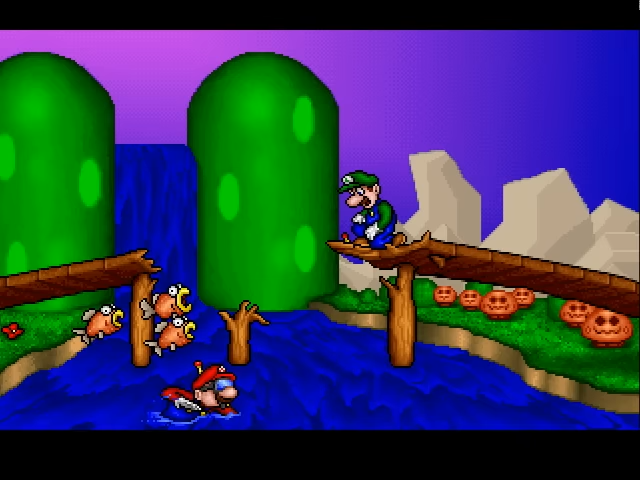
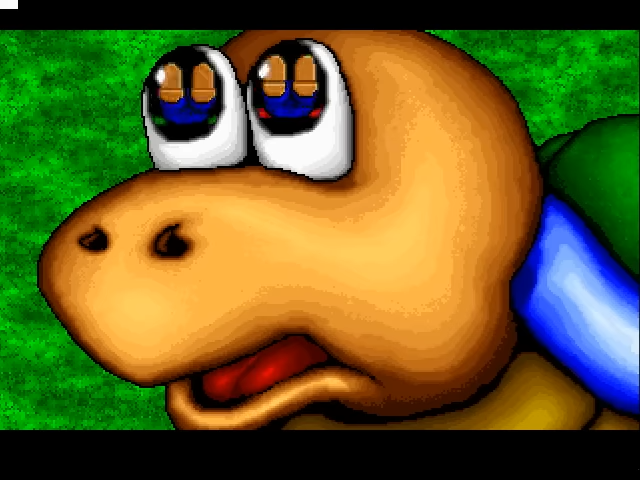
A Koopa Troopa plants a bomb on the bridge, blows it up and makes off with one of the pieces towards the castle. Mario puts on a snorkel and dives into the river, and Luigi follows after fending off some Cheep Cheeps; along the way one Koopa gets a well-deserved stomping.
A Koopa plants a bomb on the bridge.About to blow the bridge.Mario swims the river.A Koopa about to be stomped.
The sunken ship
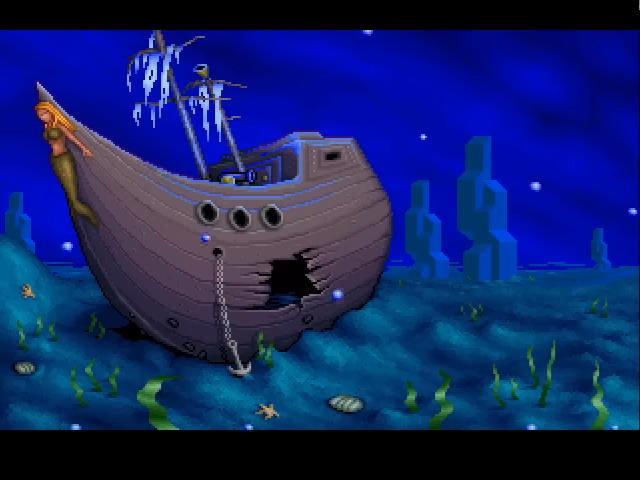
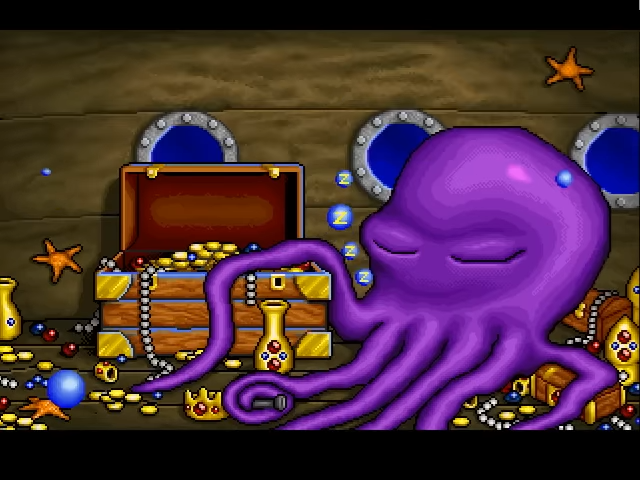
Under the water the brothers find a sunken ship, where a sleeping octopus is guarding the second piece. They take it and slip out through the ship’s windows.
The sunken ship.The sleeping octopus.
Inside the living castle
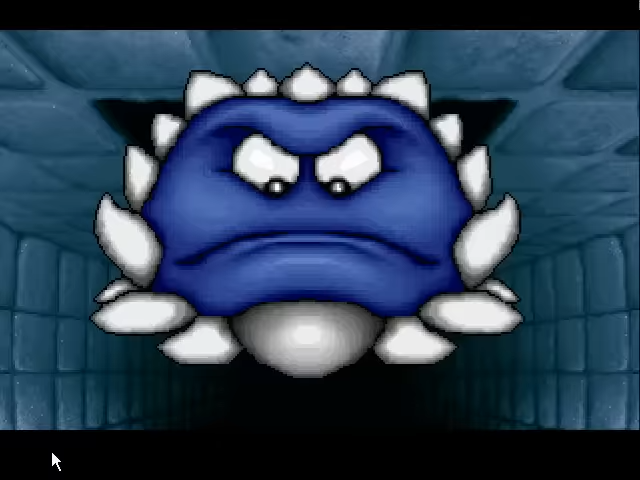
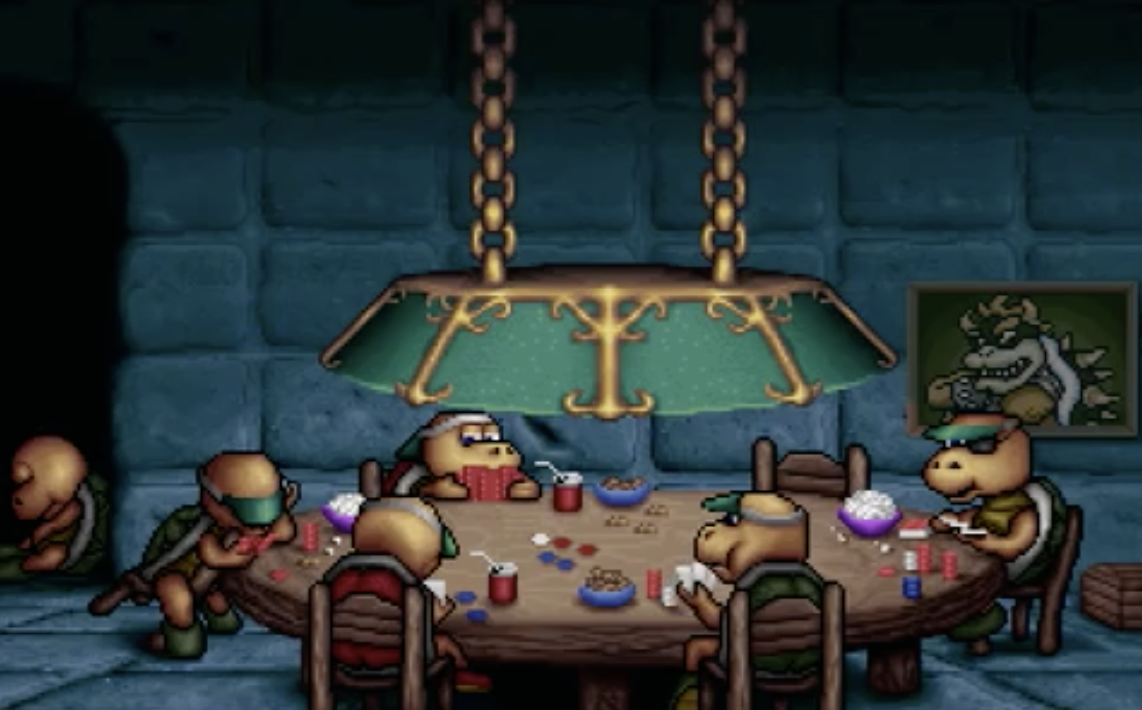
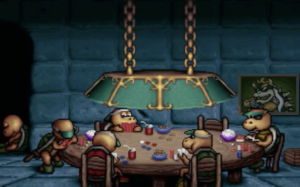
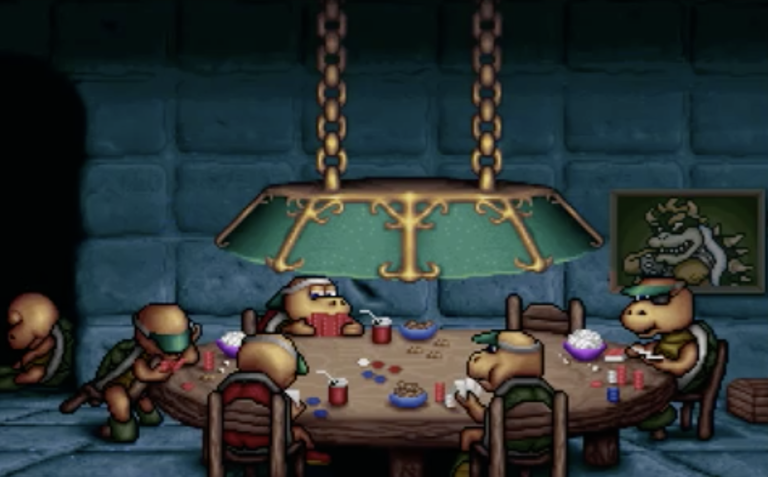
Bowser’s Castle proves to be a living thing and gulps them down whole. Inside they dodge traps such as Thwomps and find a table of Koopas playing poker, with the last piece as the stakes. Beating them wins it.
A Thwomp in the castle.Koopas playing poker.
The final spell
With the typewriter whole again, Mario types its final spell, and a giant typewriter smashes Bowser’s Castle to pieces.
The four lessons
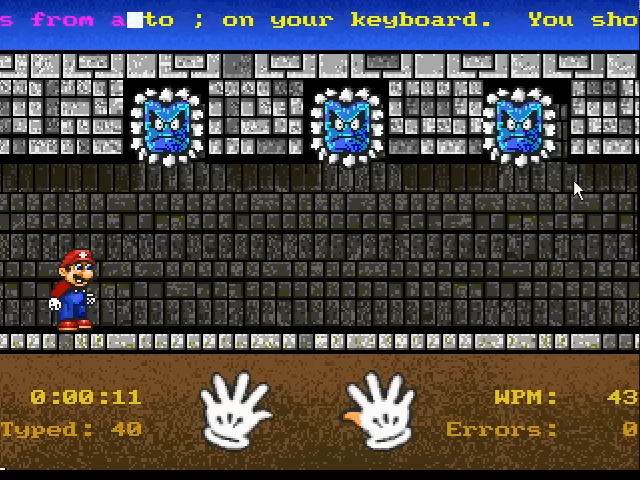
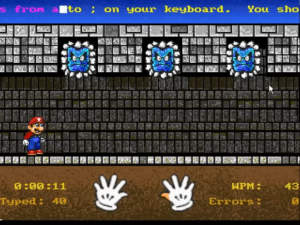
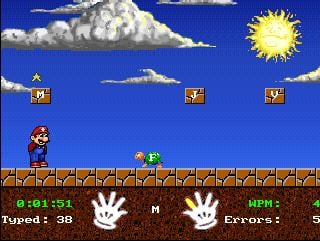
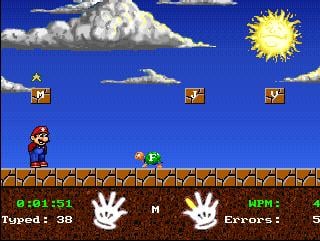
Between the cutscenes come the same four lessons as in the first game: Mario’s Smash and Dash for beginners, the underwater Mario’s Wet World Challenge for intermediate typists, Mario’s Tunnel of Doom for advanced ones and the Expert Express as the hardest test, now with an overhauled practice mode.
The Tunnel of Doom.Another gameplay screen.
Every lesson and mode
Four lessons and the free-play keyboard.
Mario’s Smash and DashBeginnerSingle keys, outdoors.
Mario’s Wet World ChallengeIntermediateWords under the sea.
Mario’s Tunnel of DoomAdvancedSentences in a Thwomp-filled tunnel.
Mario’s Magical KeyboardFree playEvery key plays a cartoon.
Advertisement
Gameplay & Controls
Set up a profile, pick a lesson plan and a character, then type your way through the four lessons. The colour-coded keyboard on screen shows which finger should press each key, and the floating Mario head chips in between lessons.
Lesson plans and characters
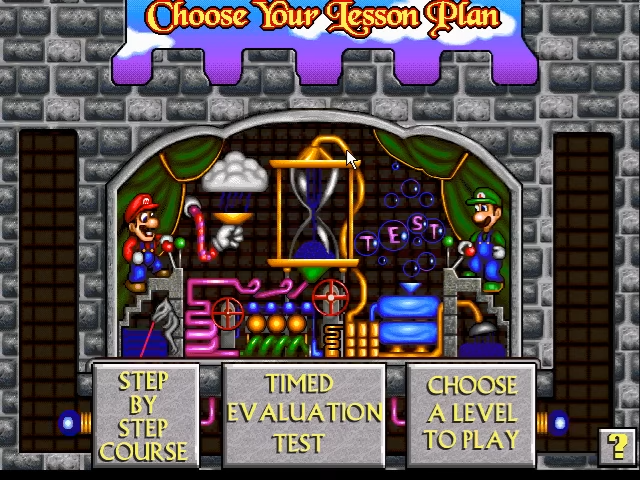
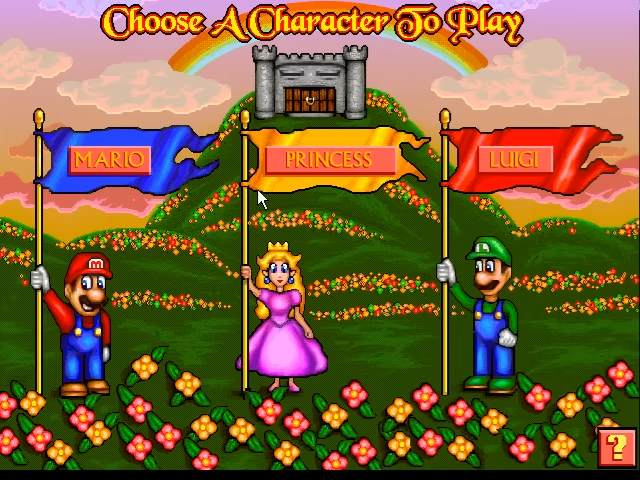
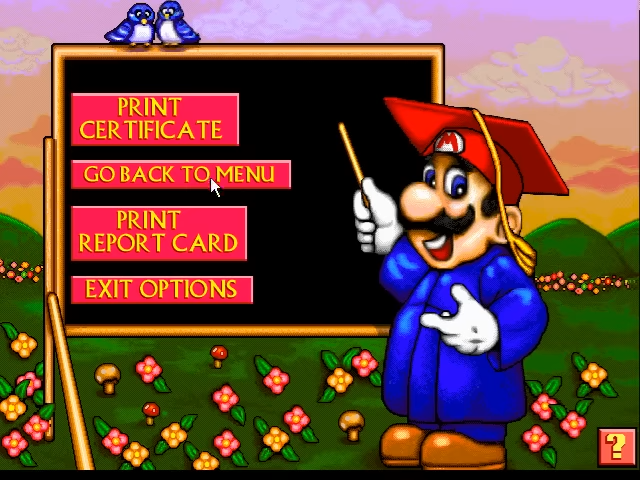
Lesson plans can now be customised, with words-per-minute targets of your own, and finishing earns a certificate you can personalise. You still choose who runs and swims in the lessons on a character-select screen, and a results screen totals up your speed and accuracy at the end of each level.
Choosing a lesson plan.Character select.The results screen.
Mario’s Magical Keyboard
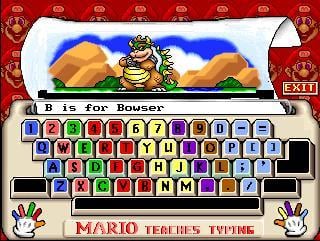
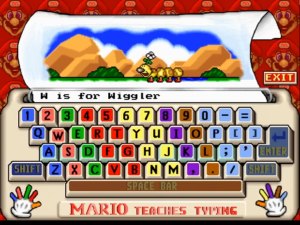
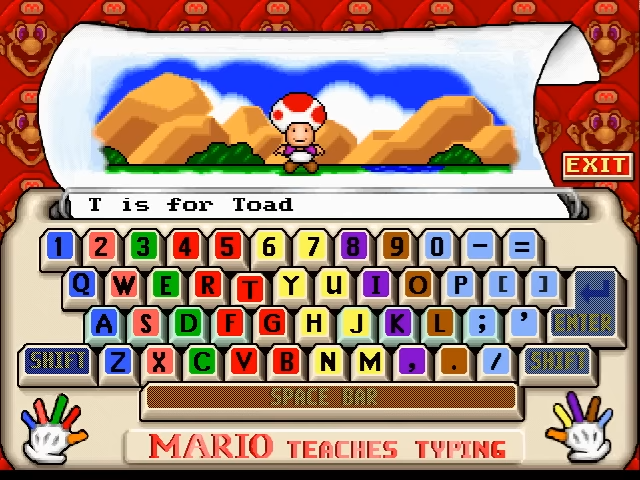
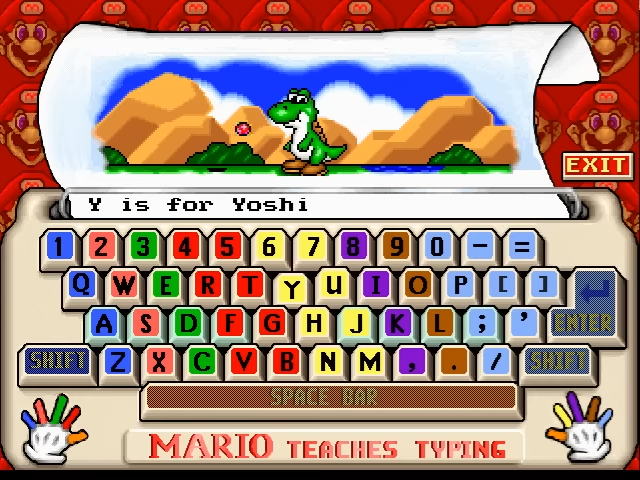
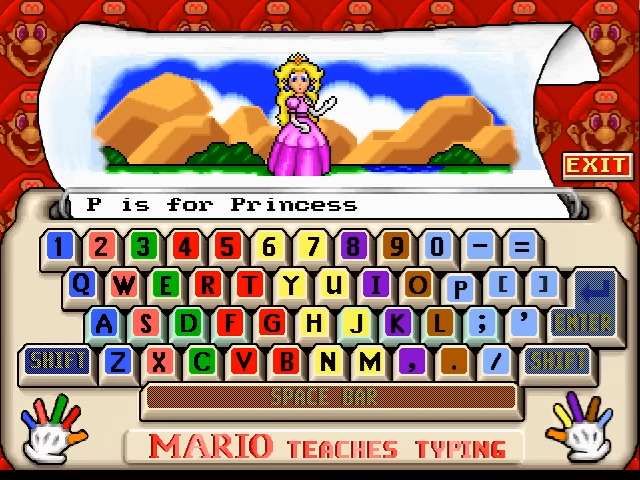
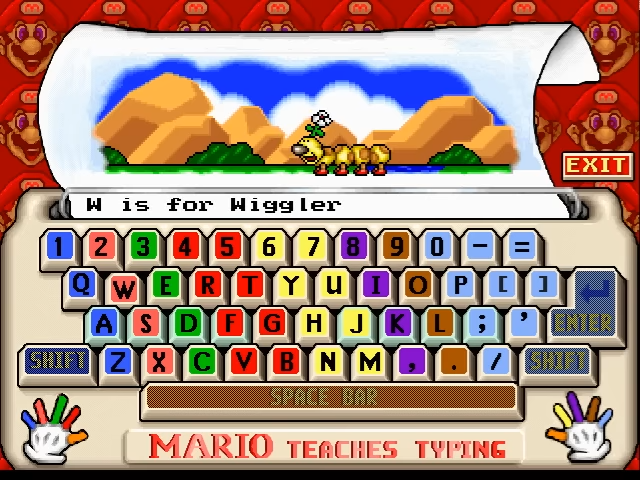
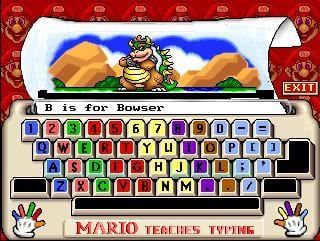
Click the typewriter on the main menu and you get a free-play keyboard where every key plays its own little animation: one for each letter of the alphabet, from A for Apple to Z for Zebra, plus the digits and the main punctuation keys. Many of the letters feature Mario characters: B is for Bowser, G for Goomba, K for Koopa, L for Luigi, T for Toad, W for Wiggler and Y for Yoshi.
T is for Toad.Y is for Yoshi.
The talking head
As in the first game’s Enhanced CD-ROM, a big 3D Mario head floats about the screen, voiced by Charles Martinet. His routines include thanking you for choosing the game, crooning That’s Amore, a gag based on a LifeCall television advert, trying to fly and crashing nose-first, admiring your computer and asking if he can have it, and declaring “I’m a videogame!” before bouncing round the screen like a Pong ball.
Running it
Officially it needs Windows 3.1 or 95 on a 66 MHz 486DX with 8 MB of memory and a double-speed CD-ROM drive (Windows 3.1 users install Video for Windows from the disc), or a Macintosh with a 68040 or PowerPC processor and 8 MB. It runs on 32-bit Windows up to XP but not on 64-bit Windows without help; on the Mac it runs from System 7.1 to Mac OS 9, and modern Macs need an emulator.
The Magical Keyboard, A to Z
Every letter’s animation, with pictures where we have them.
A is for AppleA plain apple to start.
B is for BowserThe Koopa King.
C is for CoinA spinning coin.
D is for DolphinA dolphin.
E is for EeriesThe ghostly Eeries.
F is for FireA fireball.
G is for GoombaA Goomba.
H is for HatMario’s cap.
I is for IglooAn igloo.
J is for JamA pot of jam.
K is for KoopaA Koopa Troopa.
L is for LuigiMario’s brother.
M is for MarioThe star.
N is for NailA nail.
O is for OstrichAn ostrich.
P is for PrincessThe Princess.
Q is for QuiltA quilt.
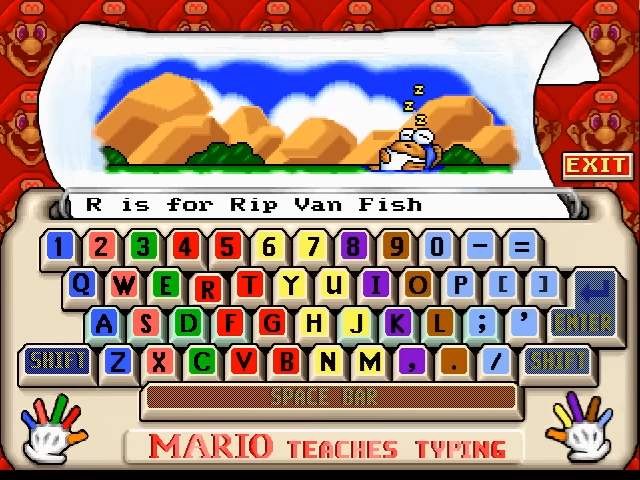
R is for Rip Van FishThe sleepy fish from Super Mario World.
S is for StarA Super Star.
T is for ToadThe Mushroom Retainer.
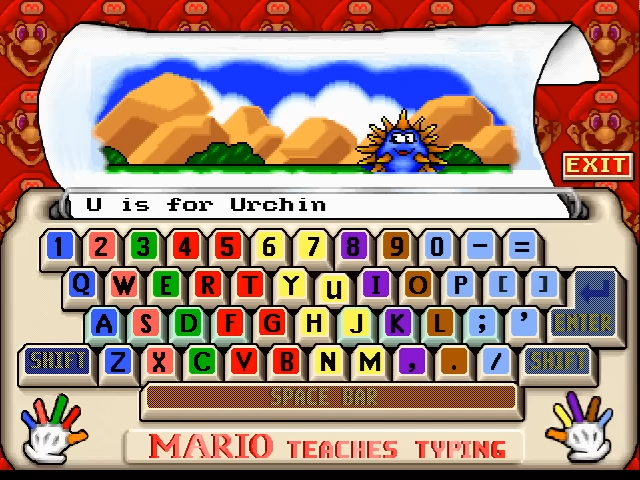
U is for UrchinThe spiky sea creature.
V is for VegetablesPluckable vegetables.
W is for WigglerThe caterpillar.
X is for XylophoneA xylophone.
Y is for YoshiMario’s dinosaur friend.
Z is for ZebraA zebra to finish.
Cast & Credits
The Mario Bros. lead the cast, with Bowser’s troops and a few sea creatures standing in their way.
Character
Who they are
In this game
Abilities & notes
MarioHero and host
The teacher, in person and as a giant floating head.
Rebuilds the Magical Typewriter in the story, runs through the lessons and clowns about between them as the talking head.
Voice: Charles Martinet
LuigiHero
Mario’s brother.
Joins the quest, fights off Cheep Cheeps in the river and stars in L for Luigi.
Promotional art with a report card
The PrincessCameo
Princess Peach.
Appears in promotional art and as P for Princess on the Magical Keyboard.
Artwork and keyboard
Bowser’s KoopasVillains
Koopa Troopas, including a red one.
Blow up the bridge, steal a piece of the typewriter and gamble the last one away at poker.
Story cutscenes
Who gets in the way
The creatures of the story cutscenes.
Koopa TroopaThe bridgeBombs the bridge and runs off with a piece.
Cheep CheepsThe riverLuigi fights them off before diving in.
The octopusSunken shipSleeps on the second piece.
ThwompBowser’s CastleOne of the castle’s traps.
Poker-playing KoopasBowser’s CastleHold the last piece, in a nod to the Dogs Playing Poker paintings.
Credits and voice
From the instruction manual’s credits as cited by Wikipedia.
Thomas DeckerProducerAlso produced and designed the first game.
Larry LesserAssociate producer, co-designerCo-designed the game; the 1997 instruction manual is credited to him.
Kirk TomeCo-designerDesigned it with Lesser.
Jim GordonProgrammerProgrammed the game.
Stephen BeamLead artistLed the art team.
Charles MartinetVoice of MarioMario and the floating head, as in the Enhanced CD-ROM edition of the first game. Uncredited in the game, but widely attributed to him.
Advertisement
How It Was Made
How a 1992 hit became Brainstorm’s flagship.
A sequel and a new label
News of a sequel first surfaced in Computer Gaming World in October 1995. On 1 November 1996 Interplay announced Brainstorm, a new line aimed at the edutainment market, with Mario Teaches Typing 2 to ship on a hybrid CD that would run on both PCs and Macs. Its copyright was recorded on 31 October 1996, Interplay was advertising it that November, and Brainstorm put out a launch press release on 31 March 1997.
Built for parents
Interplay revised the packaging after focus groups with parents, adding brighter colours, large screenshots and a checklist of features on the box. Inside, the game kept the original’s lesson structure, and the checklist could point to its new colour-coded keyboard and customisable lesson plans.
Martinet’s Mario, unleashed
Charles Martinet is widely listed as both Mario and Mario’s face, the role he first took in the first game’s Enhanced CD-ROM. Where that edition used the head for advice, here it gets a whole routine of gags and songs.
The end of Mario edutainment
Brian Fargo later said, in a 2017 interview with IGN, that Shigeru Miyamoto told him Mario could no longer be used in edutainment. Wikipedia’s account adds that Nintendo stopped working with outside companies on games for other systems, Interplay included. In April 1998 The Learning Company announced an exclusive deal to distribute Mario Teaches Typing.
Videos
No official trailer is online; here are two fan recordings of the Windows version.
Third-party upload: a playthrough of the PC version, story cutscenes included.
Third-party upload: gameplay footage.
Trivia & Interesting Facts
Koopas playing poker.The Koopas’ poker game is a nod to the Dogs Playing Poker paintings.
When Mario announces “I’m a videogame!”, he bounces around the screen making simple beeps at the edges, like the ball in Pong.
The main menu changed colour from the first game’s purple to blue.
The CD-ROM also carries demos of Mario’s FUNdamentals, Chess Mates and Drawing Discoveries.
The copyright registration that dates the game was recorded on 31 October 1996: Halloween.
News of a sequel first appeared in Computer Gaming World in October 1995, more than a year before release.
On Windows 3.1 the game needs Video for Windows, which is included on the disc.
It is usually counted as the last educational game in the Mario series.
Mario, Luigi and the Princess holding a key.Promotional art shows Mario, Luigi and the Princess with a giant key.
Regional Box Art
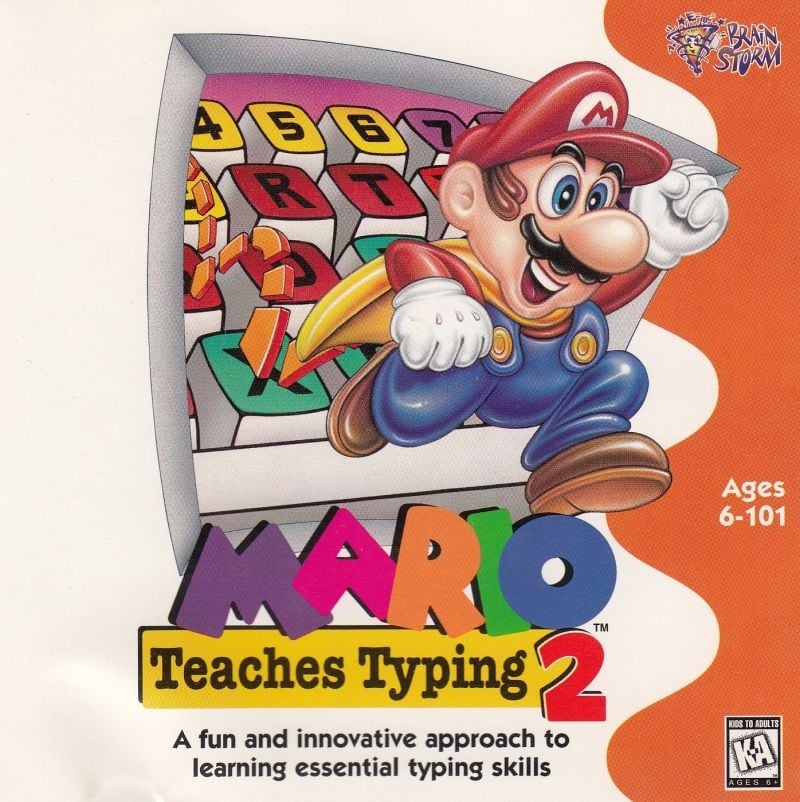
The North American box and the Windows icon.
North America · Windows and Macintosh CD-ROMInterplay / BrainstormWindows 3.1 program icon
Screenshots
More from the menus and the Magical Keyboard.
The Windows main screen.P is for Princess.R is for Rip Van Fish.U is for Urchin.W is for Wiggler.An in-game screenshot.A Koopa after a stomping, from the river cutscene.
Artwork & Media Gallery
Promotional artwork.
Mario at the computer.Mario on a train.Luigi with his report card.Mario, Luigi and the Princess holding a key.
Legacy & Re-releases
A short shelf life, and then the end of the line for Mario as a teacher.
Release history
AnnouncementOctober 1995Computer Gaming World reports a sequel in the works.
Brainstorm launch1 November 1996Interplay announces its edutainment line, with the game on a hybrid Windows and Mac CD.
Windows and MacintoshLate 1996 or early 1997Copyright recorded 31 October 1996; advertised from November 1996.
Launch press release31 March 1997Brainstorm promotes the game.
DistributionApril 1998The Learning Company signs an exclusive distribution deal with Interplay for Mario Teaches Typing.
Scores as gathered by Wikipedia. No sales figure for the sequel has been published.
AllGameLisa Karen Savignano
3/5
MacHome JournalUS · Macintosh · Susan Ashworth, June 1997
3/5
The OregonianUS · 15 April 1999
C−
MacworldUS · Macintosh · Suzanne Courteau, August 1997
4.1/10
The common complaint was that the game had been pitched too young. AllGame’s Lisa Karen Savignano thought children would like its cartoon style but older students would be put off, and Macworld’s Suzanne Courteau found it so weak that she pointed readers towards a real typing class or Mavis Beacon instead. MacHome Journal rated it good practice for beginners.
The floating head divided opinion. PC Gamer’s Heidi Aycock, in December 1997, disliked both the head and its accent, and MacHome Journal found it more strange than encouraging. Kid’s Domain’s Cynthia Sorrels was kinder, recommending it for teaching children despite crashes and miscounted errors, and The Oregonian grumbled about cheap-looking graphics and fairground music.
SLB User Reviews
Mario Teaches Typing 2 has yet to receive a community review on Super Luigi Bros.
If you’ve played Mario Teaches Typing 2 and would like to submit a review, please get in touch.
More from the Super Luigi Bros Guide
These picture lists come from the earlier Super Luigi Bros guide to Mario Teaches Typing 2 and are kept here in full.
Typing Levels
Main menu (blue scheme)
Character select
Lesson plan select (new)
Outdoor World — gameplay
Underwater World — gameplay
Tunnel of Doom — gameplay
Main menu
Koopas playing poker (cutscene)
End of level results
The four core typing modes return unchanged in structure but with updated presentation: Mario’s Smash & Dash (beginner — type letters on Koopas and blocks), Mario’s Wet World Challenge (intermediate — underwater typing with Bloopers and Boss Bass chasing you), Mario’s Tunnel of Doom (advanced — full sentences through an underground castle with Thwomps), and Mario’s Expert Express (expert practice mode).
The key addition is the customisable lesson plan system. Where the original let you only choose keyboard zones (Home Row, Top Row etc.), MTT2 allows proper lesson planning — you can set target WPM goals per session, adjust difficulty curves, and track progress across multiple lessons in a more structured way.
Animated Cutscenes
One of the clearest improvements over the original. MTT2 has a full set of story cutscenes between levels, each depicting a scene from the Magical Typewriter story. The animation quality is charming for a 1996 educational PC title — these are proper cel-shaded scenes rather than static illustrations.
Mario finds the Magical Typewriter
Red Koopa builds the bomb
Bridge destroyed with TNT
Mario swims into the river
Koopa gets stomped
Thwomps inside Bowser’s Castle
The sunken ship in the river
The sleeping octopus guardian
The Koopas playing poker scene inside Bowser’s Castle is a deliberate reference to the famous “Dogs Playing Poker” painting series. Mario’s “I’m a videogame!” routine — where he bounces across the screen making simplistic sound effects imitating Pong — is one of the most fondly remembered Mario voice lines of the Martinet era.
To provide the best experiences, we use technologies like cookies to store and/or access device information. Consenting to these technologies will allow us to process data such as browsing behavior or unique IDs on this site. Not consenting or withdrawing consent, may adversely affect certain features and functions.
Functional
Always active
The technical storage or access is strictly necessary for the legitimate purpose of enabling the use of a specific service explicitly requested by the subscriber or user, or for the sole purpose of carrying out the transmission of a communication over an electronic communications network.
Preferences
The technical storage or access is necessary for the legitimate purpose of storing preferences that are not requested by the subscriber or user.
Statistics
The technical storage or access that is used exclusively for statistical purposes.The technical storage or access that is used exclusively for anonymous statistical purposes. Without a subpoena, voluntary compliance on the part of your Internet Service Provider, or additional records from a third party, information stored or retrieved for this purpose alone cannot usually be used to identify you.
Marketing
The technical storage or access is required to create user profiles to send advertising, or to track the user on a website or across several websites for similar marketing purposes.

 Mario’s Tunnel of DoomAdvancedSentences in a Thwomp-filled tunnel.
 Mario’s Magical KeyboardFree playEvery key plays a cartoon.
 P is for PrincessThe Princess.
 R is for Rip Van FishThe sleepy fish from Super Mario World.
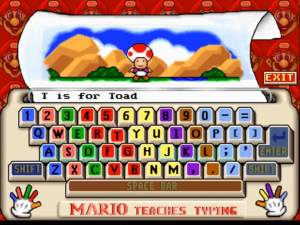 T is for ToadThe Mushroom Retainer.
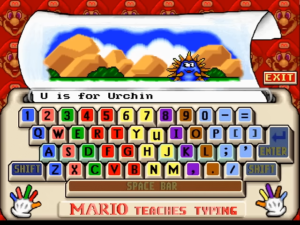 U is for UrchinThe spiky sea creature.
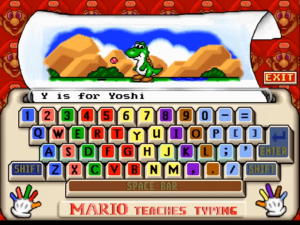 Y is for YoshiMario’s dinosaur friend.
 LuigiHero
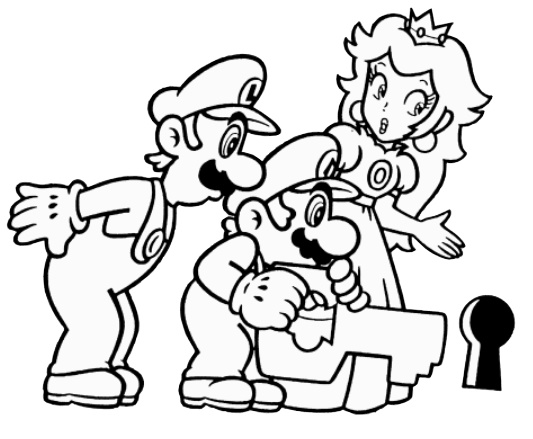 The PrincessCameo
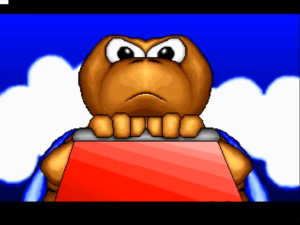 Koopa TroopaThe bridgeBombs the bridge and runs off with a piece.
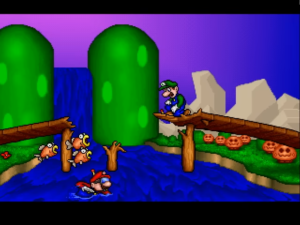 Cheep CheepsThe riverLuigi fights them off before diving in.
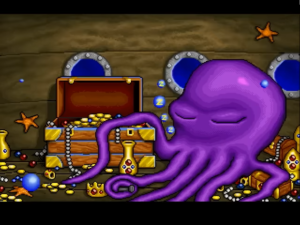 The octopusSunken shipSleeps on the second piece.
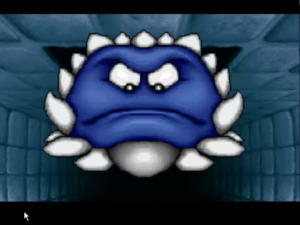 ThwompBowser’s CastleOne of the castle’s traps.
 Poker-playing KoopasBowser’s CastleHold the last piece, in a nod to the Dogs Playing Poker paintings.

 Main menu (blue scheme)
 Character select
 Lesson plan select (new)
 Outdoor World — gameplay
 Underwater World — gameplay
 Tunnel of Doom — gameplay
 Main menu
 Koopas playing poker (cutscene)
 End of level results
 Mario finds the Magical Typewriter
 Red Koopa builds the bomb
 Bridge destroyed with TNT
 Mario swims into the river
 Koopa gets stomped
 Thwomps inside Bowser’s Castle
 The sunken ship in the river
 The sleeping octopus guardian
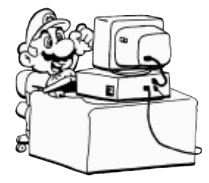 Mario at the computer
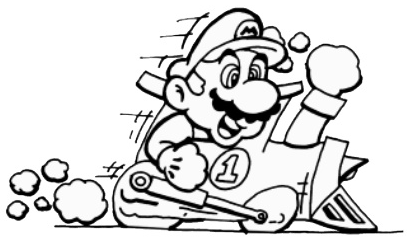
 Mario on a train
 Luigi with report card
 Mario, Luigi & Peach with key